Glidely vs Microsoft Planner: A Planner Alternative
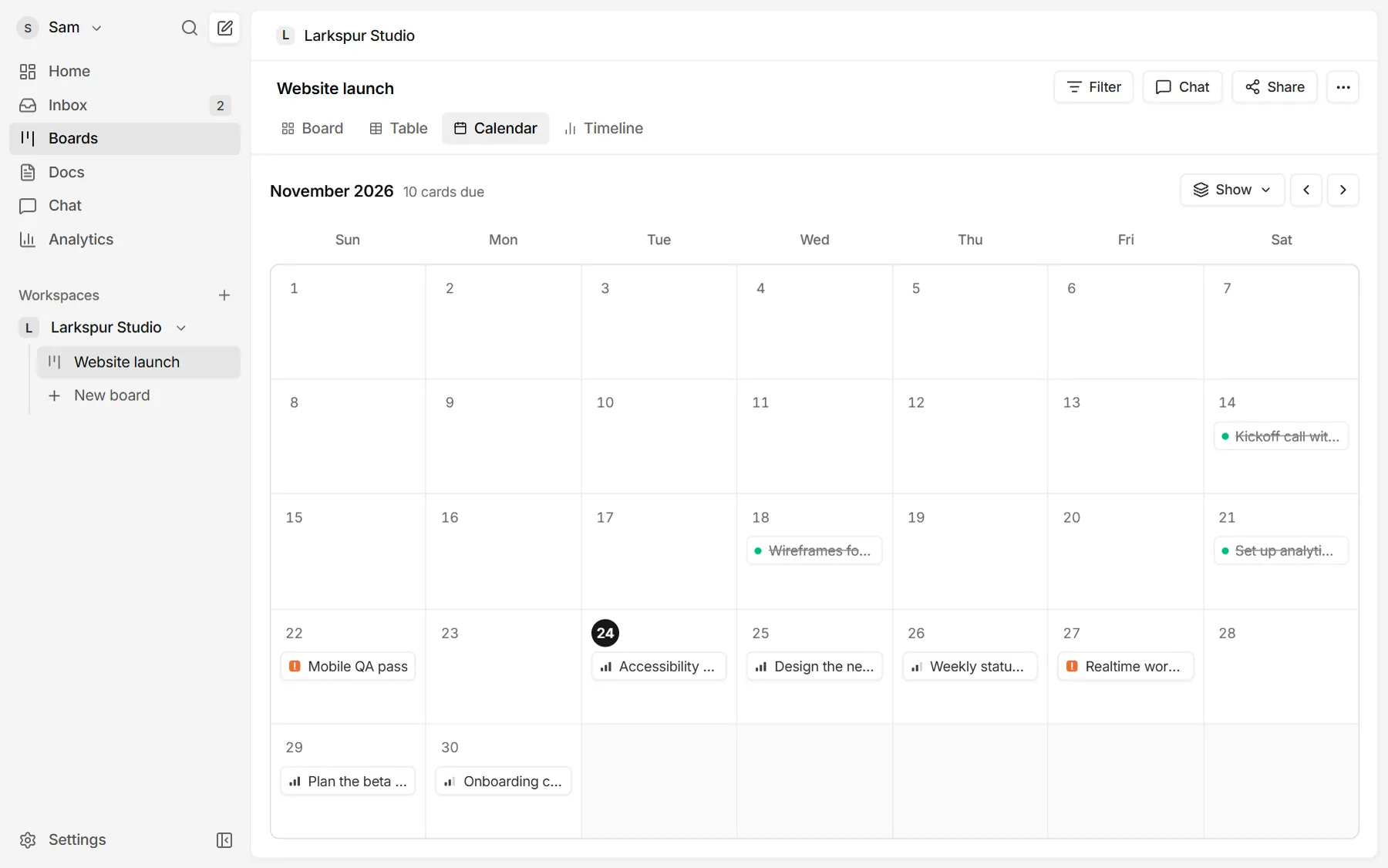
Glidely is a Microsoft Planner alternative for teams that want team chat beside the board, calendar and timeline views on a free plan, and one workspace for people with Microsoft and Google accounts alike.
In short
- Price:
- Free plan; Pro $8 a month for up to 15 people, not per person
- Works with:
- Microsoft Teams, Outlook Calendar, OneDrive and To Do, and Google Workspace
- Views on Free:
- Board, table, calendar and timeline
Why teams look for a Planner alternative
Microsoft Planner is Microsoft’s task and board app, built into Microsoft 365 and Teams. If your whole company already lives in Microsoft 365, it is close at hand. Teams look elsewhere when they want calendar and timeline views without a paid add-on, a free plan without a Microsoft 365 subscription, or one workspace for people who use Google accounts too.
Calendar and timeline on every plan
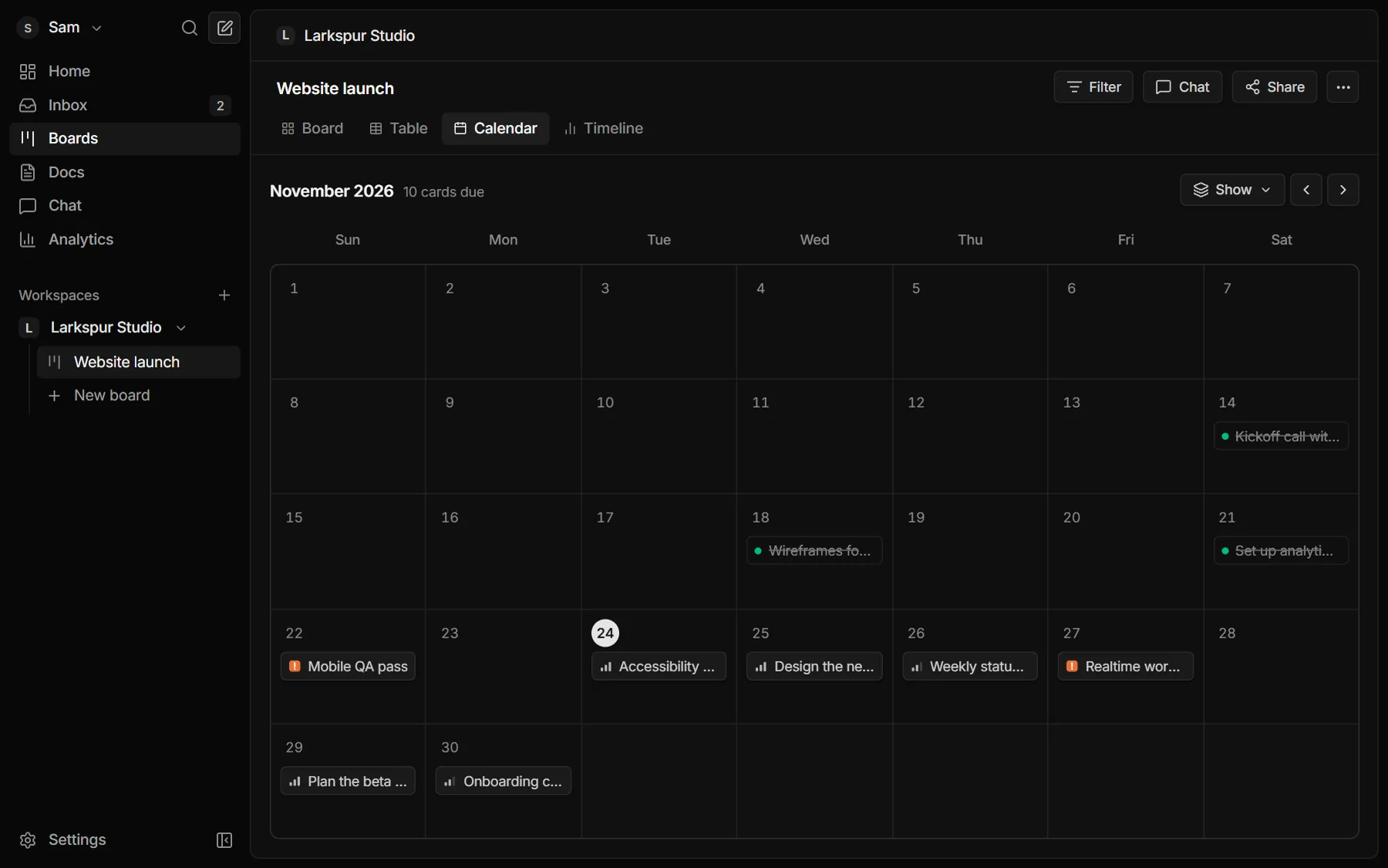
Every Glidely board switches between Board, Table, Calendar and Timeline on every plan, Free included. Planner in Microsoft 365 has Grid, Board, Schedule and Chart views; Microsoft lists the Calendar, Timeline (Gantt) and People views in Planner Plan 1, at $10 per user per month paid yearly.
Still works with Microsoft
Choosing Glidely does not mean leaving Microsoft. Sign in with a Microsoft account, send card updates to a Teams channel, start a Teams meeting from a card, put due dates in Outlook Calendar, attach files from OneDrive and send cards to Microsoft To Do. See Glidely for Microsoft Teams. Google Calendar, Meet, Docs and Drive work on the same cards.
Team chat beside the board
Glidely has team chat inside the workspace, opened beside the board, plus comments on each card. Planner keeps its conversations in Microsoft Teams, where many companies already talk; if yours does, that is a point for Planner.
One price for the account, not per person
Planner in Microsoft 365 comes with Microsoft 365 subscriptions. The fuller versions are priced per user: Planner Plan 1 is $10 and Planner and Project Plan 3 is $30 per user per month, paid yearly. Glidely is priced per account: Pro is $8 a month for up to 15 people per workspace, and Max is $20 a month with no member limit.
Where Planner is the better fit
An honest comparison has two sides. If your company already pays for Microsoft 365, Planner costs nothing extra, lives inside Teams and Outlook, and connects to Power Automate and Copilot. Planner and Project Plan 3 adds portfolios, baselines, critical path and advanced dependencies, and Project desktop covers heavy project management. If you are all-in on Microsoft 365, Planner may suit you better. If you want a board, chat and calendar together for a mixed team at a flat price, try Glidely.
Glidely and Microsoft Planner side by side
| Glidely | Microsoft Planner | |
|---|---|---|
| Board view | Yes | Yes |
| Calendar and timeline | Every plan, including Free | Planner Plan 1 ($10 per user per month) |
| Team chat | Built into the workspace | In Microsoft Teams |
| Free plan | 3 boards, 5 members, every view | No standalone free plan; comes with Microsoft 365 |
| Accounts | Microsoft, Google, email or passkey | Microsoft accounts |
| Pricing | One flat price per account | Per user for Plan 1 and Plan 3 |
Moving your plans over
- In Planner, export the plan to Excel and save the file as CSV.
- Sign up free for Glidely and open a board.
- Open the board menu › Export, import and share and drop the CSV into Import: each task becomes a card.
- Connect the board to a Teams channel so the team sees what changed.
Frequently asked questions
Is there a free alternative to Microsoft Planner?
Yes. Glidely Free has no time limit and no credit card, for up to 5 members, with board, table, calendar and timeline views and team chat. It does not need a Microsoft 365 subscription.
Does Glidely work with Microsoft Teams?
Yes. Glidely posts card updates to a Teams channel, starts Teams meetings from a card, and signs you in with Microsoft. It runs in the browser, as a Windows app and on Android.
Does Planner have a timeline view?
Yes, in Planner Plan 1 and above. Microsoft lists Calendar, Timeline (Gantt) and People views from Plan 1. Glidely has a timeline view on every plan, including Free.
Try Glidely free
Boards, team chat and a calendar in one calm workspace. Free plan, no credit card.
Planner plans and prices are from microsoft.com in November 2026 and may change. Microsoft, Microsoft 365, Microsoft Planner and Microsoft Teams are trademarks of the Microsoft group of companies; Glidely is not affiliated with Microsoft.
If you have any questions about this page, email us at support@glidely.site.