A Free Kanban Board for Microsoft Teams
Glidely is a free kanban board that works with Microsoft Teams: it posts card updates to your Teams channel, starts Teams meetings from a card, signs you in with Microsoft and puts due dates in Outlook Calendar.
In short
- Price: Free plan; every Microsoft feature below is on every plan
- Works with: Microsoft Teams, Outlook Calendar, OneDrive, Microsoft To Do
- Sign in: Personal, work or school Microsoft accounts
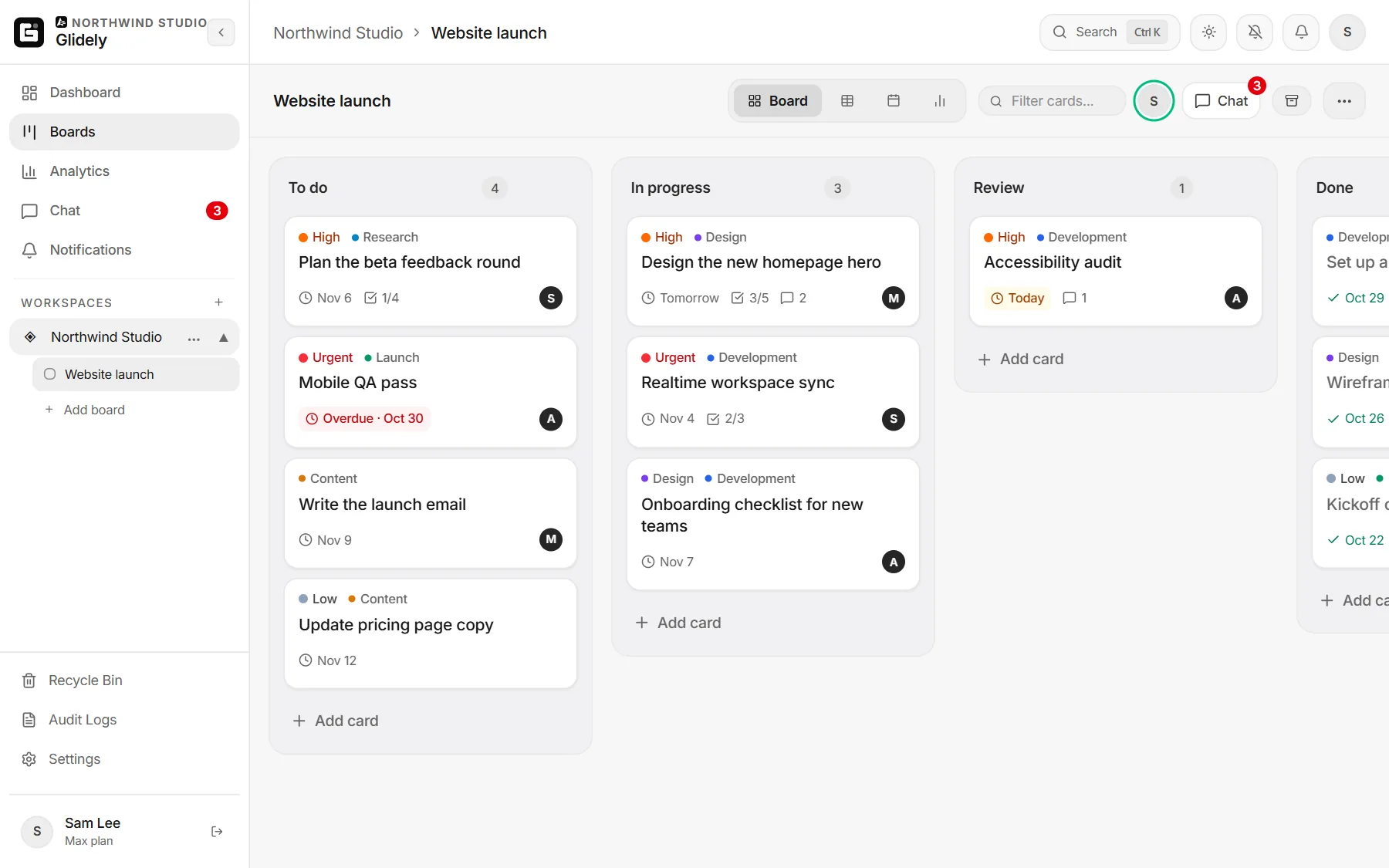
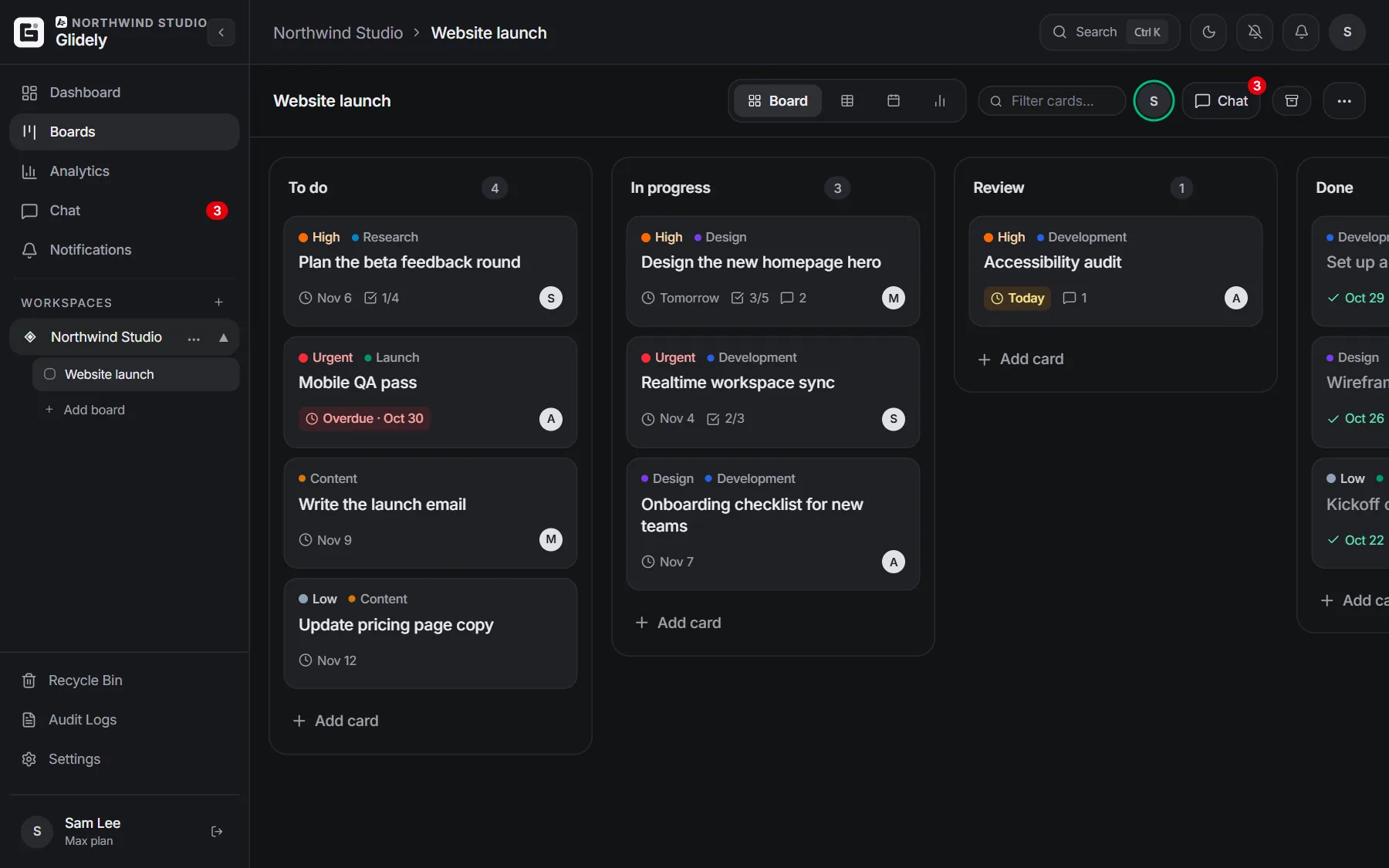
Glidely and Microsoft Teams
Glidely is a kanban board with team chat and a calendar built in. It does not replace Teams: it keeps the work on a board and tells your Teams channel what changed, so the people who live in Teams always know where things stand.
Card updates in a Teams channel
Connect a board to a Teams channel once, and Glidely posts there when a card is added, moved to another list or finished. In Teams, open the channel’s Workflows and choose “Post to a channel when a webhook request is received”, copy the address it gives you, then in Glidely open the board menu › Apps › Team chat alerts › Microsoft Teams and paste it. Send a test message to check it works.
Teams meetings from a card
On any card, open Microsoft 365 › Teams › Start. Glidely creates a Teams meeting with the card’s title and a link back to the board, and keeps the join link on the card. Teams meetings need a work or school Microsoft account.
Sign in with Microsoft
Choose “Continue with Microsoft” on the sign-in page and use a personal Outlook or Hotmail account, or your work or school account. If a work account shows “Need admin approval”, your IT admin can approve Glidely once for the whole organisation.
Outlook Calendar, OneDrive and To Do
- Outlook Calendar: put a card’s due date in your calendar, at its time or as an all-day event.
- OneDrive: attach a file to a card, picked from your recent files or a search.
- Microsoft To Do: send a card to your To Do list with its due date and a link back to the board.
Each one asks for your Microsoft permission the first time you use it, and works from your own browser.
Glidely or Microsoft Planner?
Planner is Microsoft’s own board app and comes with many Microsoft 365 business plans. If your whole company already lives in Microsoft 365, Planner may be all you need. Glidely suits teams that want team chat beside the board, board, table, calendar and timeline views on a free plan, one flat price instead of a price per person, or a team that mixes Microsoft and Google accounts. Glidely is not made by or affiliated with Microsoft.
Set it up in five minutes
- Sign up free with your Microsoft account.
- Create a board, or start from a template.
- Connect the board to a Teams channel (board menu › Apps).
- Invite your team; they can sign in with Microsoft too.
- On a card, add the due date to Outlook Calendar or start a Teams meeting.
Frequently asked questions
Is Glidely free with Microsoft Teams?
Yes. Teams channel updates, Sign in with Microsoft and the Outlook Calendar, Teams, OneDrive and To Do tools are on every plan, including Free (1 board with 50 cards and up to 3 members).
Does Glidely run inside Teams?
No. Glidely runs in your browser, as a Windows app from the Microsoft Store and on phones. It sends board updates to Teams channels and creates Teams meetings, so your team sees the work in Teams.
Can I use a personal Microsoft account?
Yes. Personal Outlook and Hotmail accounts can sign in and use Outlook Calendar, OneDrive and To Do. Teams meetings need a work or school account.
Can I move my boards from Trello?
Yes. Export the board from Trello as JSON and import it into Glidely. See how to import a Trello board.
Boards, team chat and a calendar in one calm workspace. Free plan, no credit card.
Microsoft, Microsoft Teams, Outlook, OneDrive and Microsoft To Do are trademarks of the Microsoft group of companies. Glidely is not affiliated with Microsoft.
If you have any questions about this page, email us at support@glidely.site.