Kanban Board vs To-Do List: Which Does Your Team Need?
A to-do list shows what is left to do; a kanban board shows where each task is and who has it. Here is how they differ, when a simple list is enough and when a board helps.
In short
- Reading time: About 4 minutes
- Best for: People and small teams outgrowing a simple list
- Try it: Glidely’s Personal to-dos and Project tracker templates
The short answer
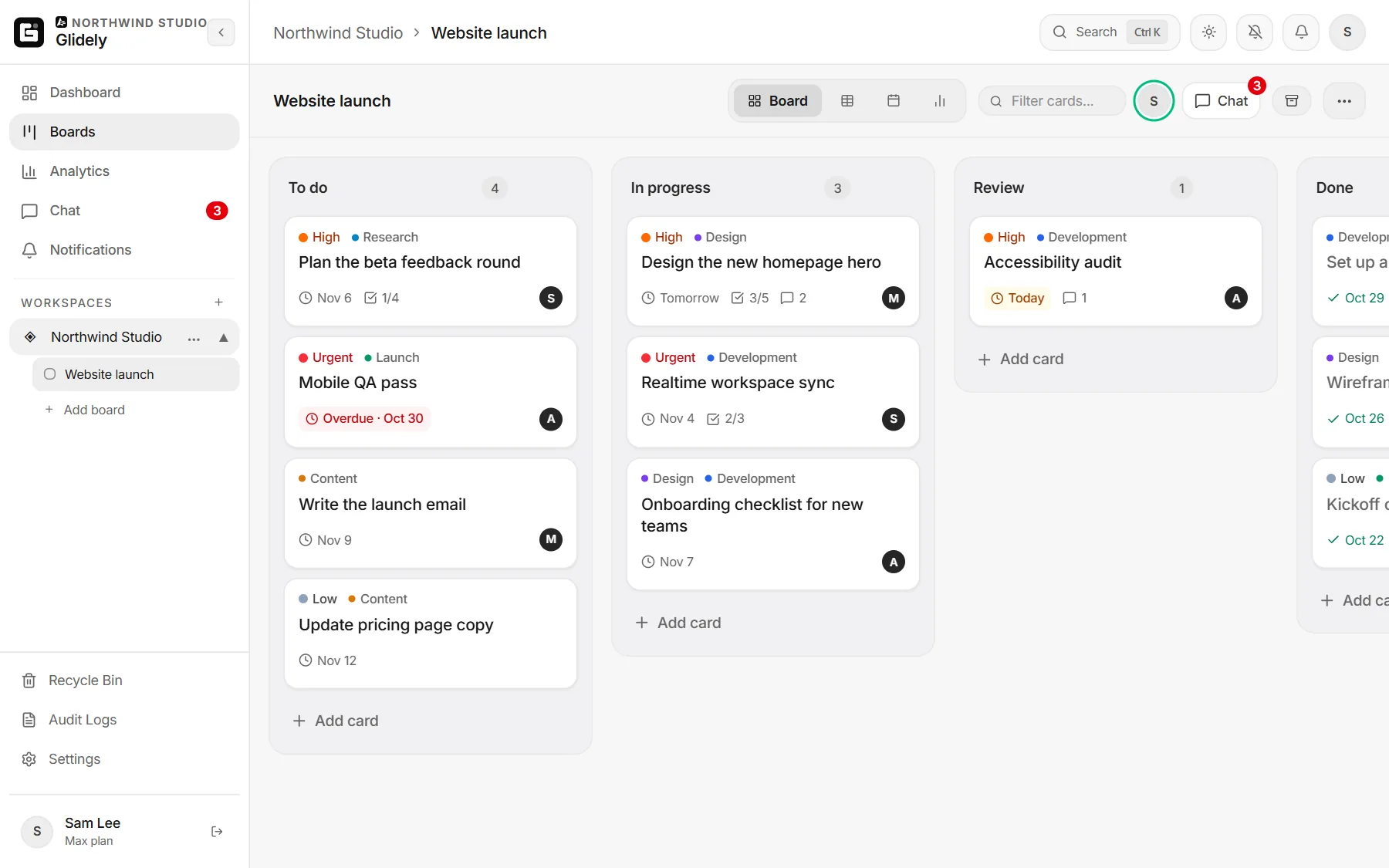
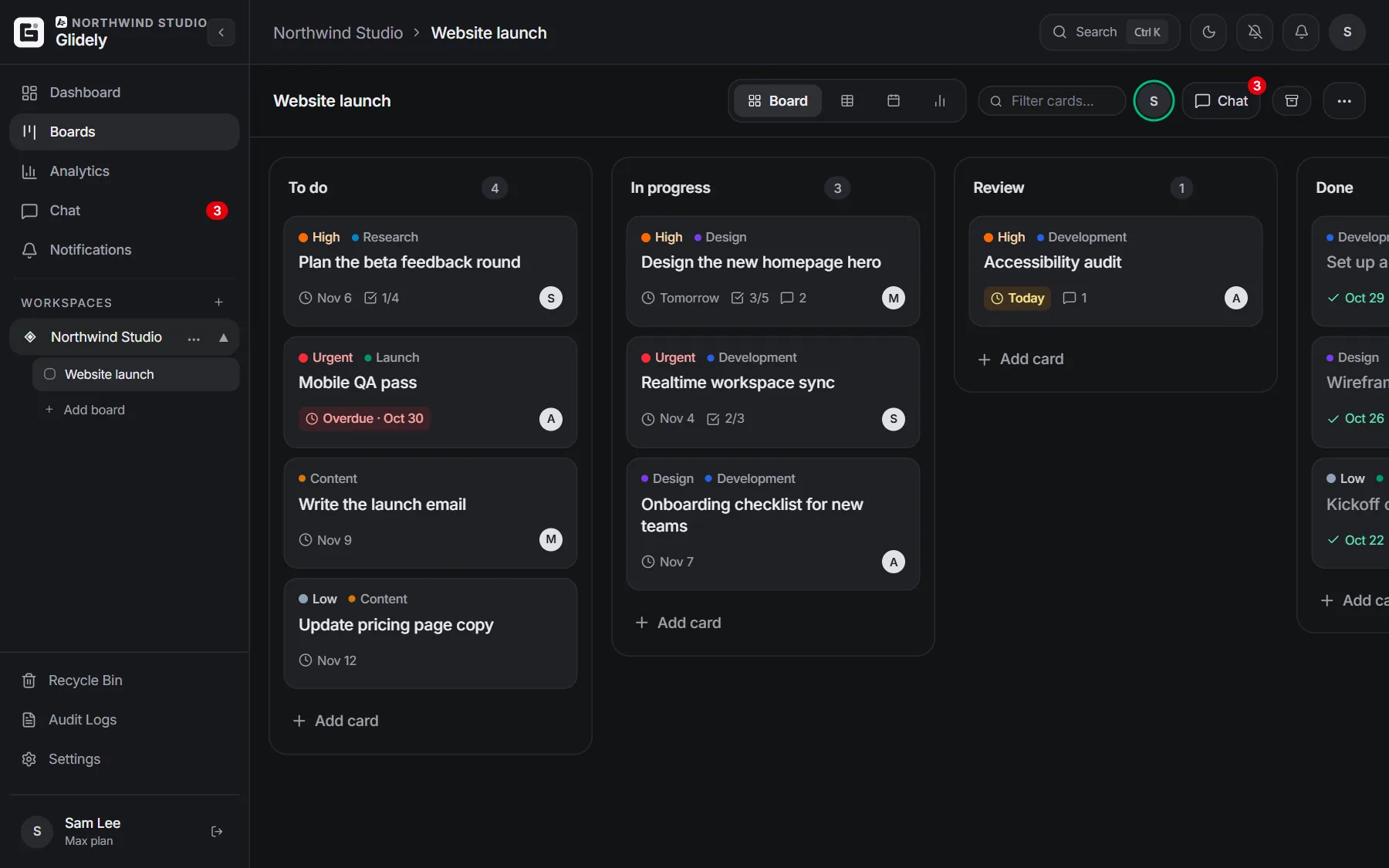
A to-do list is one list of tasks, each either done or not. A kanban board splits the work into columns for each stage (for example To do, In progress, Done), so you see where every task is and who is working on it. A list is enough for short personal tasks; a board helps as soon as work has stages or more than one person.
How a to-do list works
- One list of tasks, often in order of priority.
- A task is open or ticked off.
- Quick to start and easy to keep in your head.
- Hard to tell what is half done, waiting on someone or stuck.
How a kanban board works
- Columns show the stages work goes through.
- Each task is a card that moves from column to column as the work moves.
- Cards carry the details: who owns it, a due date, a checklist, comments and files.
- A glance at the board shows what is in progress and where work piles up.
Side by side
- Shows: a list shows what is left; a board shows where each task is.
- Stages: a list has two (open, done); a board has as many as your work needs.
- Sharing: a list suits one person; a board makes it clear who has what.
- Bottlenecks: a list hides them; a board shows them as a full column.
When a to-do list is enough
Errands, quick personal tasks, a shopping list or anything you finish in one go. If every task is either not started or done, a list is all you need.
When to switch to a board
- Tasks go through steps, like draft, review and publish.
- More than one person shares the work.
- Things get stuck and you only notice late.
- You want due dates on a calendar and the chat about a task next to it.
Use both in Glidely
Start a personal board from the Personal to-dos template (Today, This week, Later, Done) for your own tasks, and keep a to-do list inside any card as its checklist. When work involves your team, start a board from the Project tracker template, or see more board templates. It all lives in one place with your team chat and calendar.
Frequently asked questions
Is a kanban board better than a to-do list?
Not always. A list is faster for simple personal tasks. A board is better when work has stages, several people or deadlines that need watching.
Can I use a kanban board for personal tasks?
Yes. A personal board with Today, This week, Later and Done works like a to-do list that also shows what you are in the middle of.
Can a card have its own to-do list?
Yes. Every Glidely card has a checklist, so a big task can carry its own list of small steps.
Is Glidely free for personal use?
Yes. The Free plan has no time limit and needs no credit card.
Boards, team chat and a calendar in one calm workspace. Free plan, no credit card.
Try it with the Personal to-dos template on Glidely’s Free plan.
If you have any questions about this page, email us at support@glidely.site.