What Are WIP Limits in Kanban? How to Set Them
A WIP limit caps how many cards a kanban column can hold at once. Here is why limits help a team finish work faster, how to choose your first number and what to do when a column is full.
In short
- Reading time: About 5 minutes
- Best for: Teams whose work starts faster than it finishes
- Try it: Card limits on any list of a free Glidely board
The short answer
A work-in-progress (WIP) limit is the most cards a column of a kanban board should hold at once, usually the In progress column. When the column is full, the team finishes or unblocks something before it starts anything new.
Why WIP limits help
- Less switching: people work on fewer things at once, so each one gets their full attention.
- Problems show up sooner: a column that keeps hitting its limit points straight at the step where work gets stuck.
- Work reaches Done faster: on average, the more cards a team has in progress, the longer each card takes to finish (this is known as Little’s law).
- Honest plans: a full column makes it obvious when the team has taken on more than it can handle.
How to choose your first limit
- Start with one or two cards per person who works in that column. A team of three might start with a limit of 4 on In progress.
- Put limits on the columns where work is active (In progress, Review, Testing), not on To do or Done.
- Run with it for two weeks, then adjust: if the limit is never reached, lower it; if it blocks the team every day, look at the step after it before raising the number.
What to do when a column is full
Instead of starting a new card, help finish one that is already in progress: review a teammate’s work, unblock a stuck card or test something waiting for testing. If the same column is full week after week, the bottleneck is usually the step after it, and that is where the team should look.
Common mistakes
- Limits so high they never matter.
- The same limit on every column, whatever the work.
- Treating the limit as a rule nobody may break. It is a signal for the team to talk, not a lock.
- Counting blocked cards as if they were moving. Mark them so everyone can see what is waiting.
How to set a WIP limit in Glidely
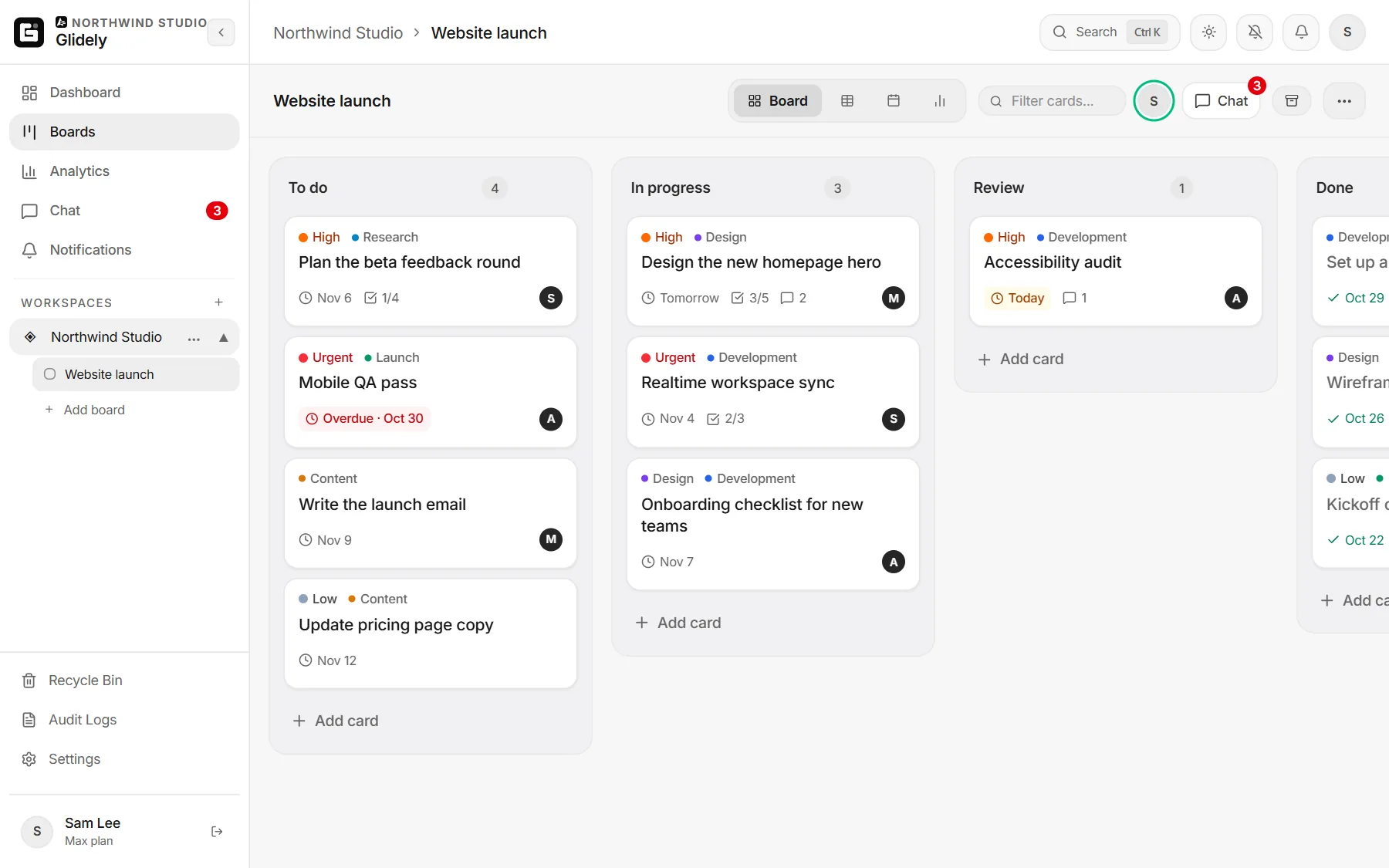
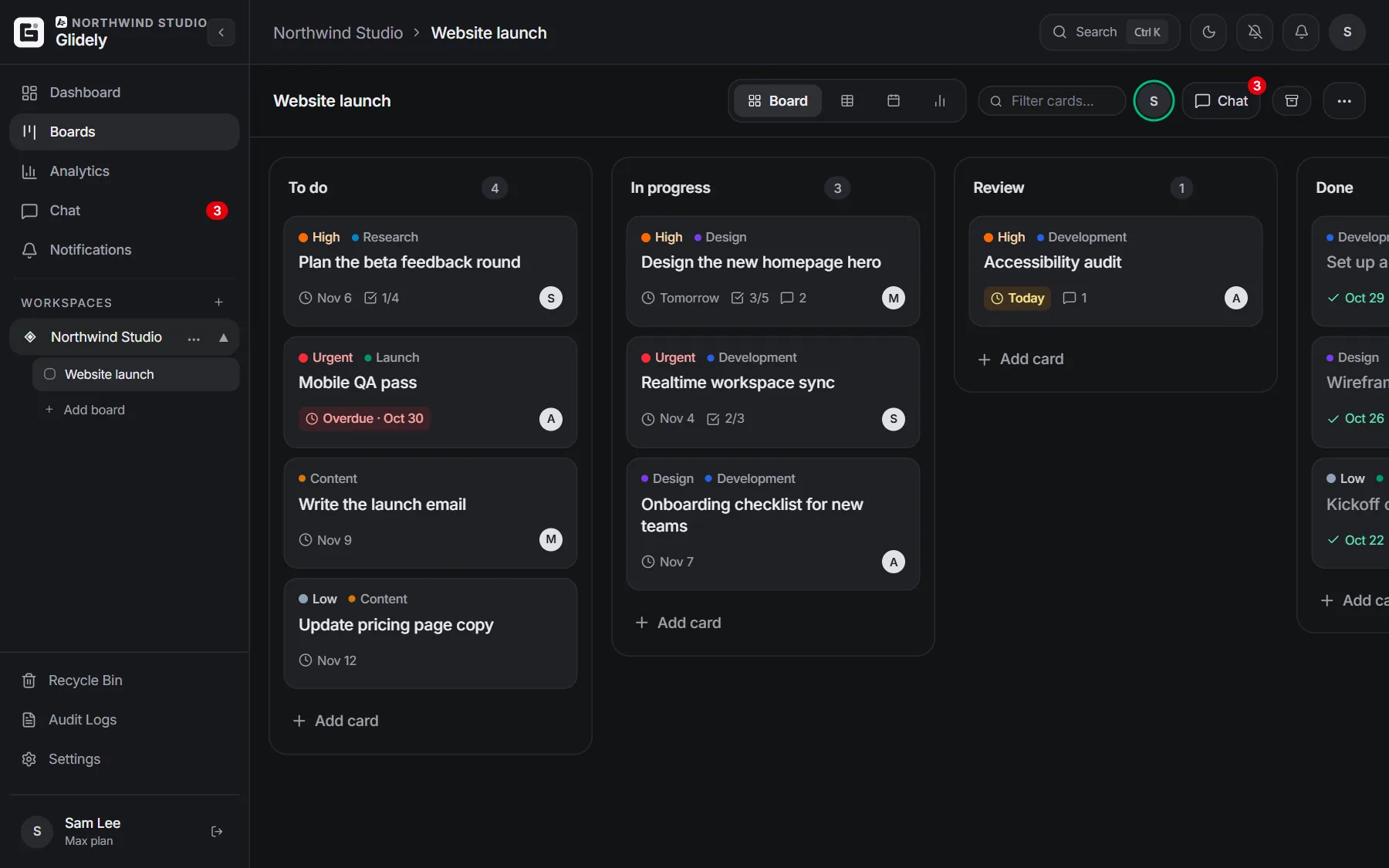
Open the menu next to a list’s name (the three dots), choose Set card limit, type a number and save. The list header then shows how full it is, for example 3/4. When the list holds more cards than its limit, the count turns red with a warning, so the whole team sees it. Glidely never blocks a move: the team decides what to do. Start with a free kanban board, and read kanban vs scrum or what scrumban is to see where WIP limits fit.
Frequently asked questions
What does WIP stand for?
WIP stands for work in progress: tasks that have been started but are not finished yet.
What is a good WIP limit?
There is no single right number. A common starting point is one or two cards per person working in the column, adjusted after a couple of weeks.
Should the Done column have a WIP limit?
No. Done collects finished work, so it has no reason to be limited. Limits belong on the columns where work is active.
Does scrum use WIP limits?
Scrum limits work through the sprint: the team commits to a set amount for the sprint. Many scrum teams also add WIP limits to their board, which is the core idea of scrumban.
Does Glidely stop me from adding cards to a full list?
No. A list over its limit turns red so the team can see it, but every move is still allowed.
Boards, team chat and a calendar in one calm workspace. Free plan, no credit card.
Ready to try it? Glidely’s Free plan includes a kanban board with card limits, with no time limit and no credit card.
If you have any questions about this page, email us at support@glidely.site.