Features
Glidely gives teams one clean place to manage workspaces, boards, lists, cards, files, chat, notifications, analytics and audit activity, with Glidely AI, voice notes and translation built in.
In short
- Best for:
- Team planning, departments, client work, and daily task tracking
- Core model:
- Workspaces contain boards, boards contain lists, lists contain cards
- Collaboration:
- Members work together with roles, chat, mentions, and shared files
Workspaces
Create separate spaces for teams, company areas, clients, classes, or projects. Each workspace can include members, boards, chat, files, roles, and activity.
Boards and lists
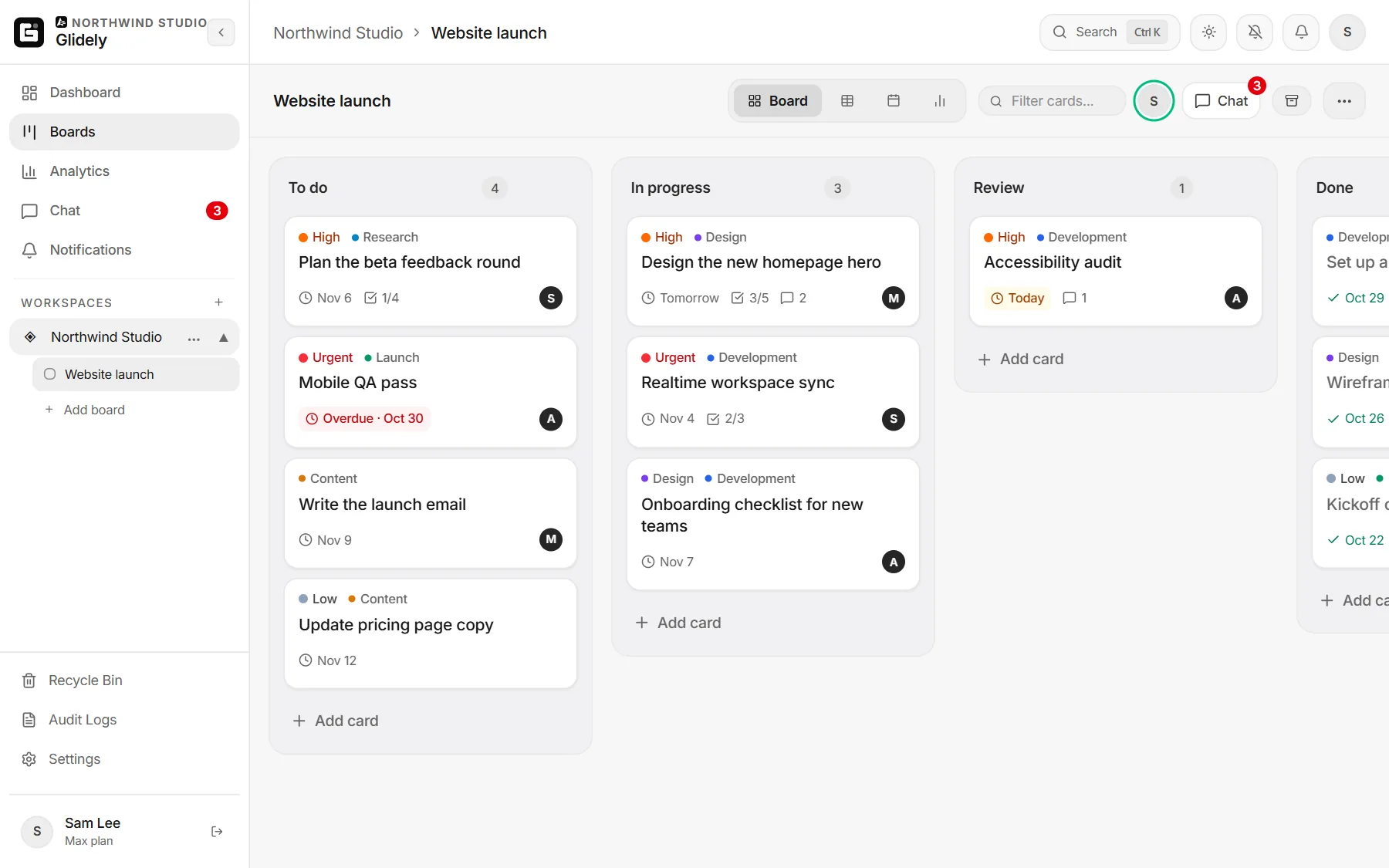
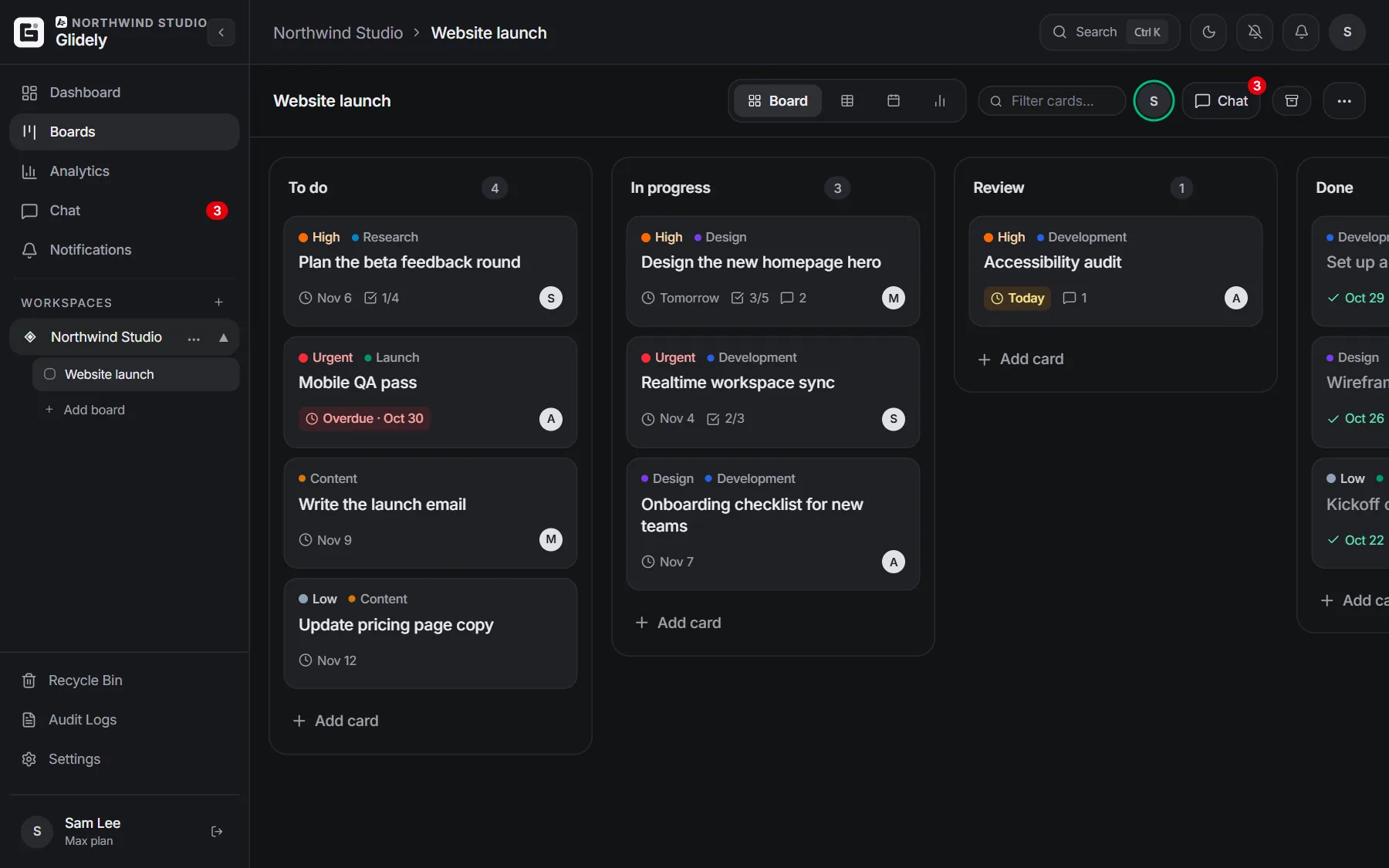
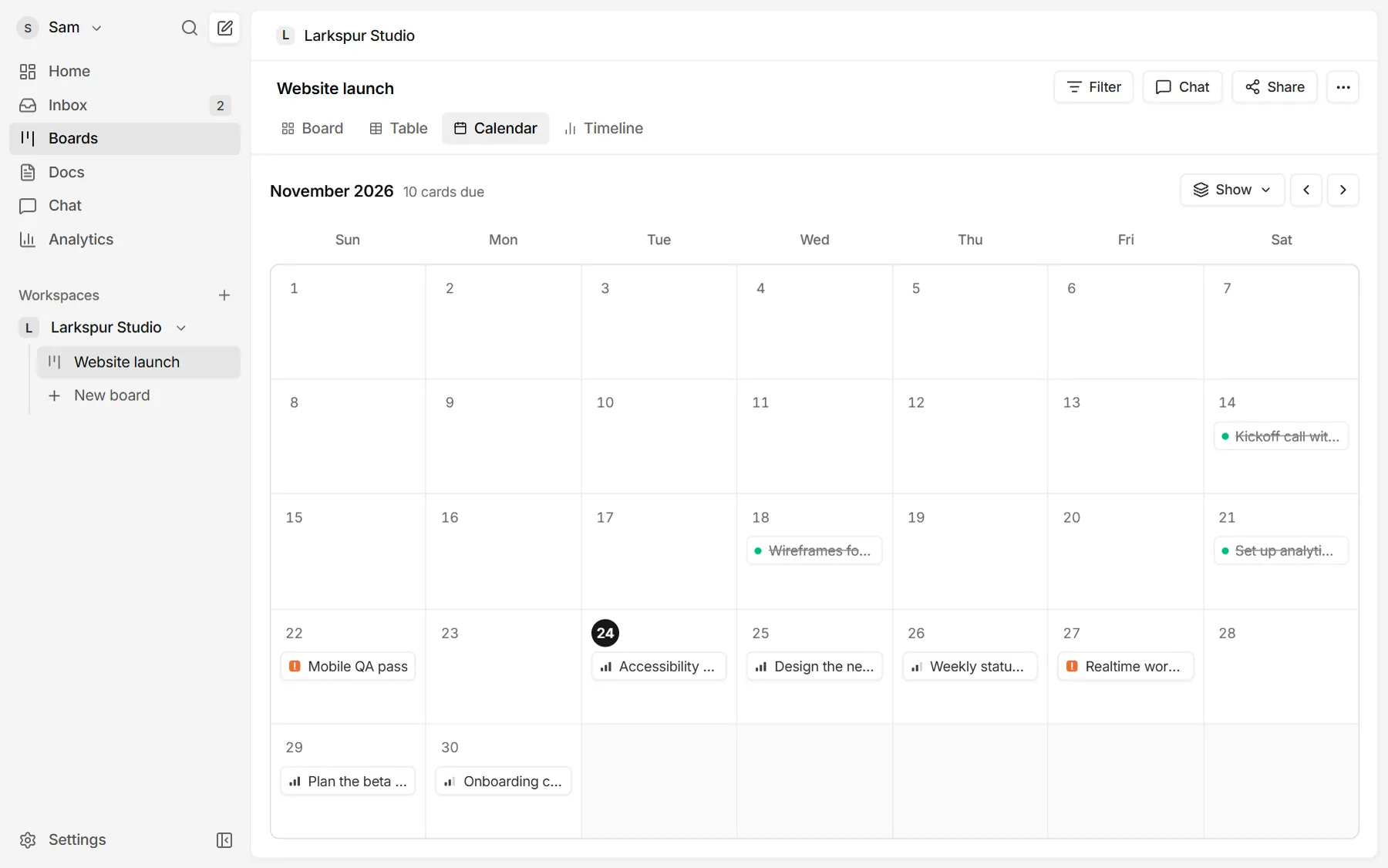
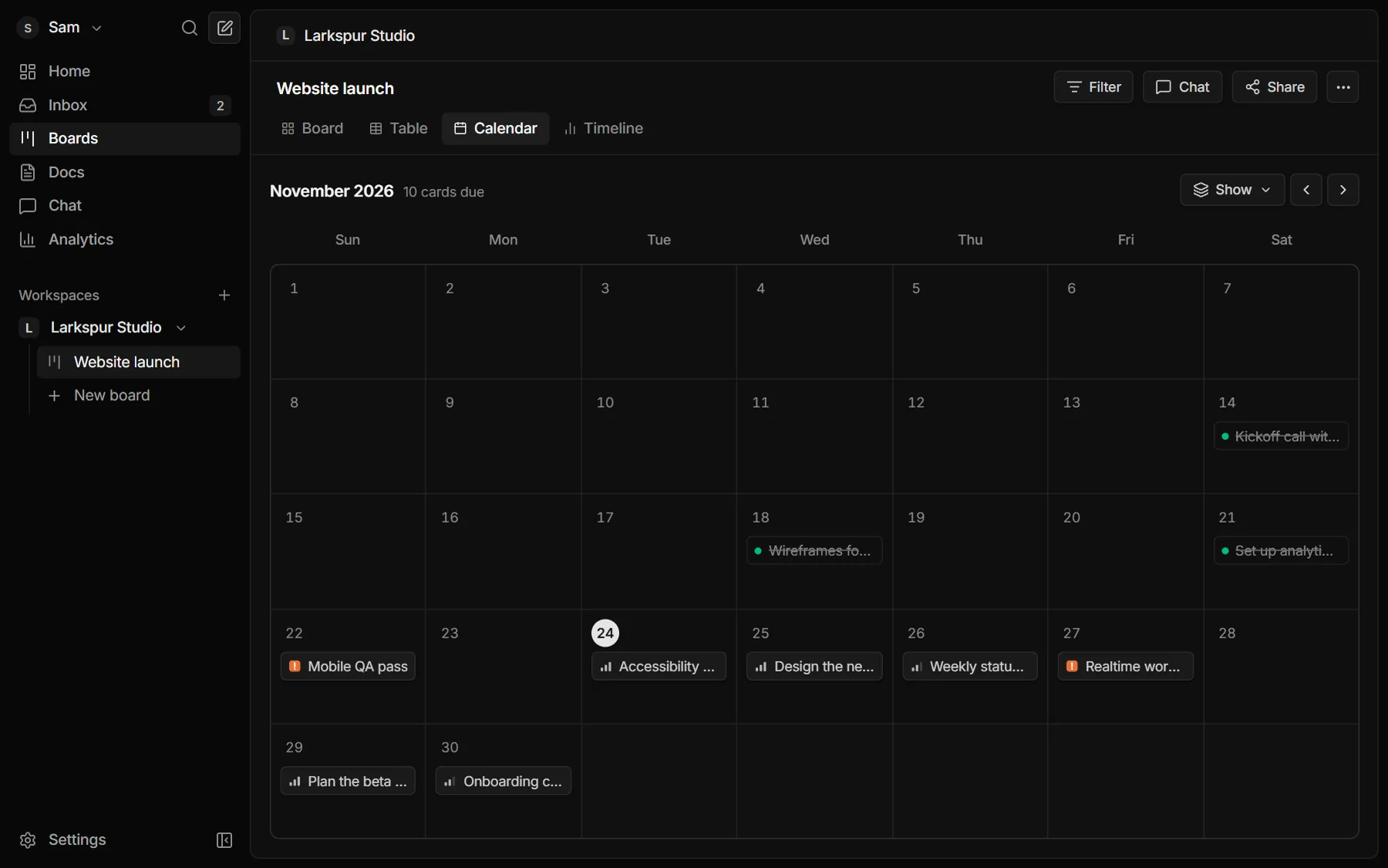
Use boards to organize work in columns such as To Do, Pending, In Progress, Review, Completed, or any custom workflow your team needs.
Cards
Cards hold tasks, descriptions, comments, checklists, priority, mentions, due dates, and attached files so the work stays clear.
Workspace chat
Each workspace includes chat so discussion, decisions, and shared files stay near the work instead of scattered across other apps.
Real-time sync
Workspaces synchronize live changes so team members see card, list, and chat updates instantly.
Analytics and recovery
On paid plans, teams can review progress in analytics, see changes in the activity log and restore deleted items from the recycle bin for 30 days.
Type it the way you say it
Type "Send the invoice fri 3pm !high @ali #billing" and the due date, time, priority, person and label fill themselves in. "every monday" makes a card repeat, and common typos are understood too.
Your focus
The dashboard opens with a line about today and the three cards that need you most, with the reason for each, plus a weekly recap you can copy into Slack or email.
Automations and custom fields
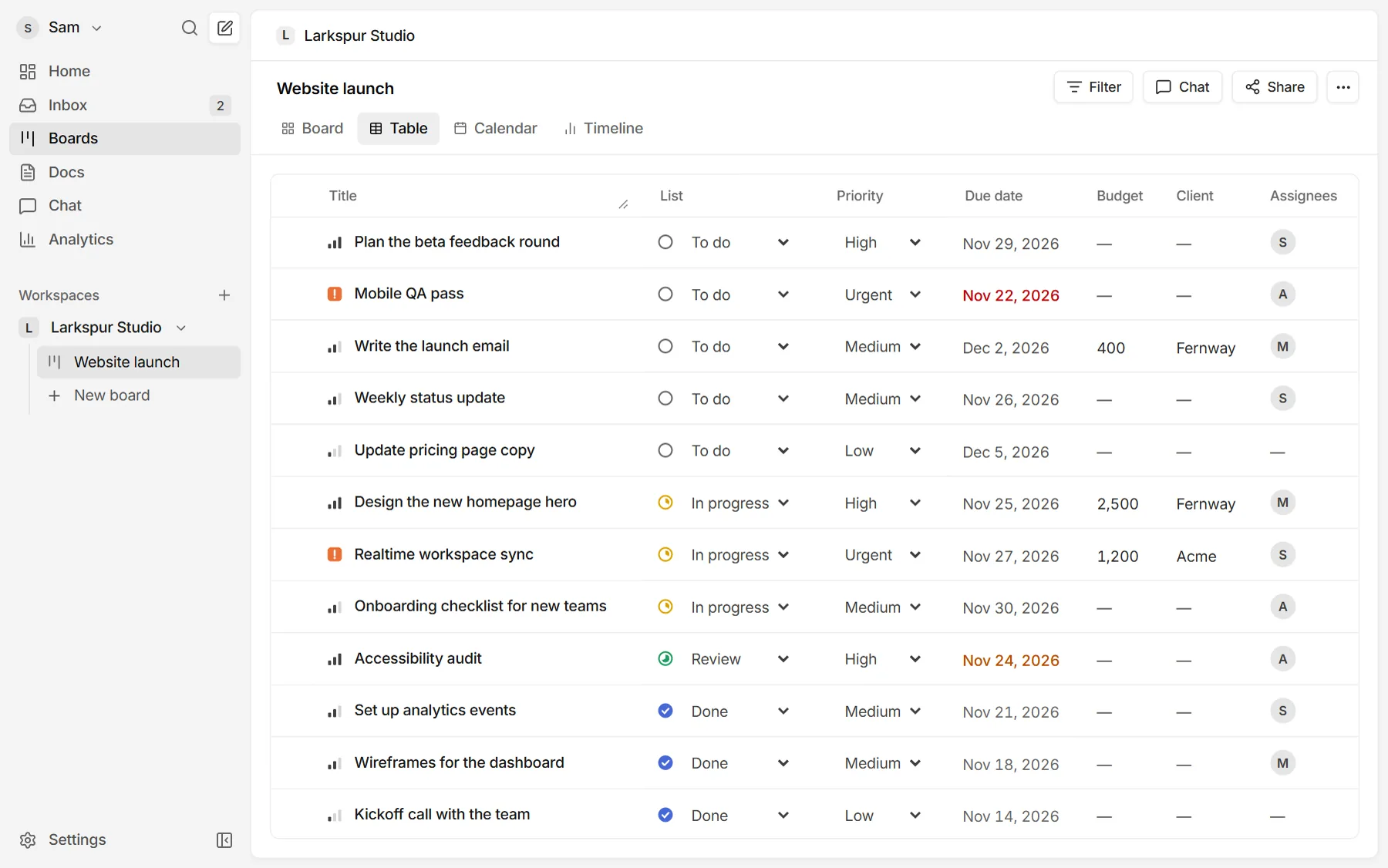
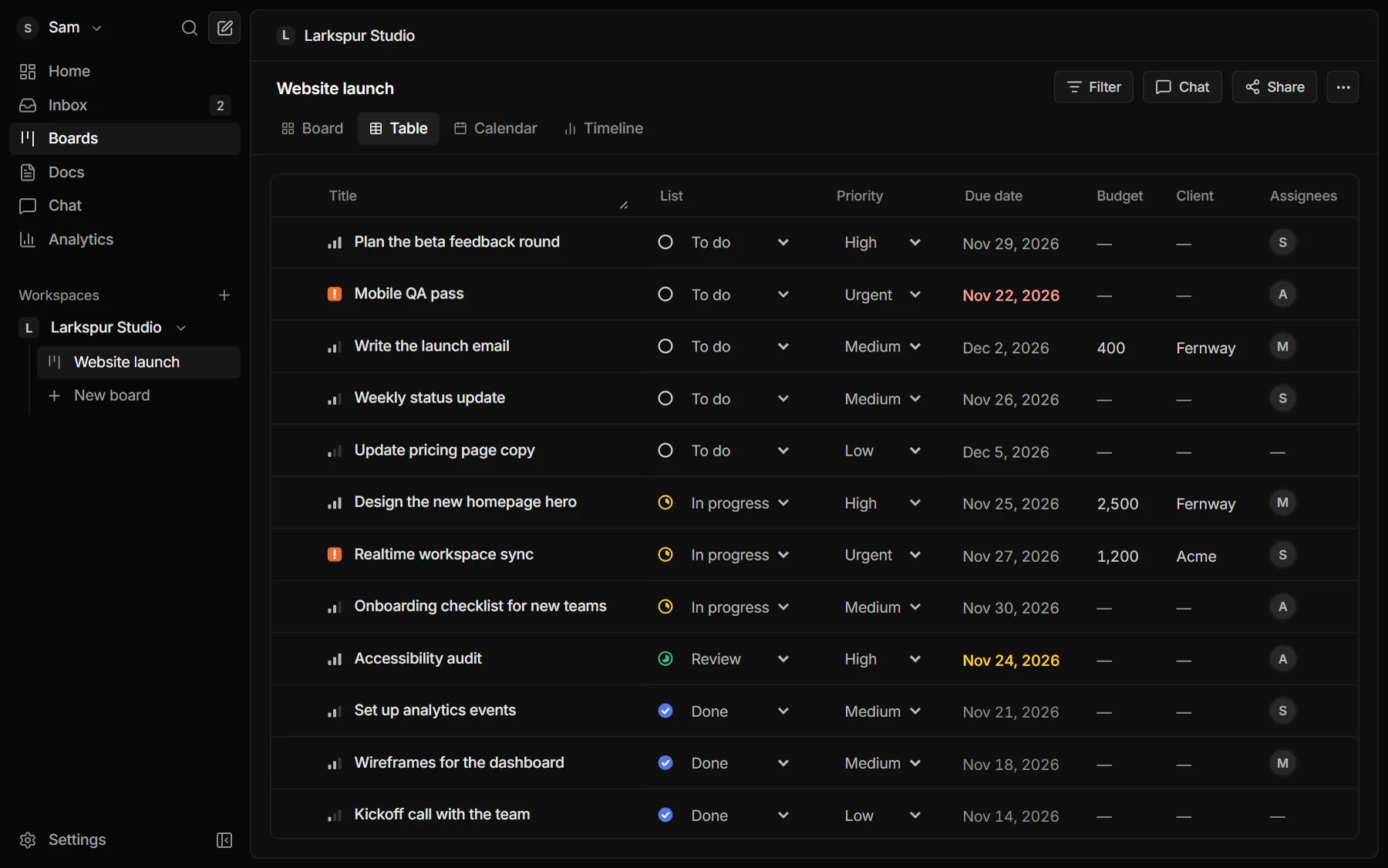
Simple rules run the routine, such as "when a card moves to Done, tick its checklist". Boards can add their own fields like Budget or Client, start dates, repeating cards and cards that wait on another card.
Docs
Write plans, briefs and meeting notes as docs in the workspace, next to its boards. Headings, lists and to-dos you can tick while reading; paste a card’s link, or use Link a card, and the card shows in the doc with its list and whether it is done. The card lists the docs that mention it. Everyone in the workspace can read a doc, and editors can change it.
Time and workload
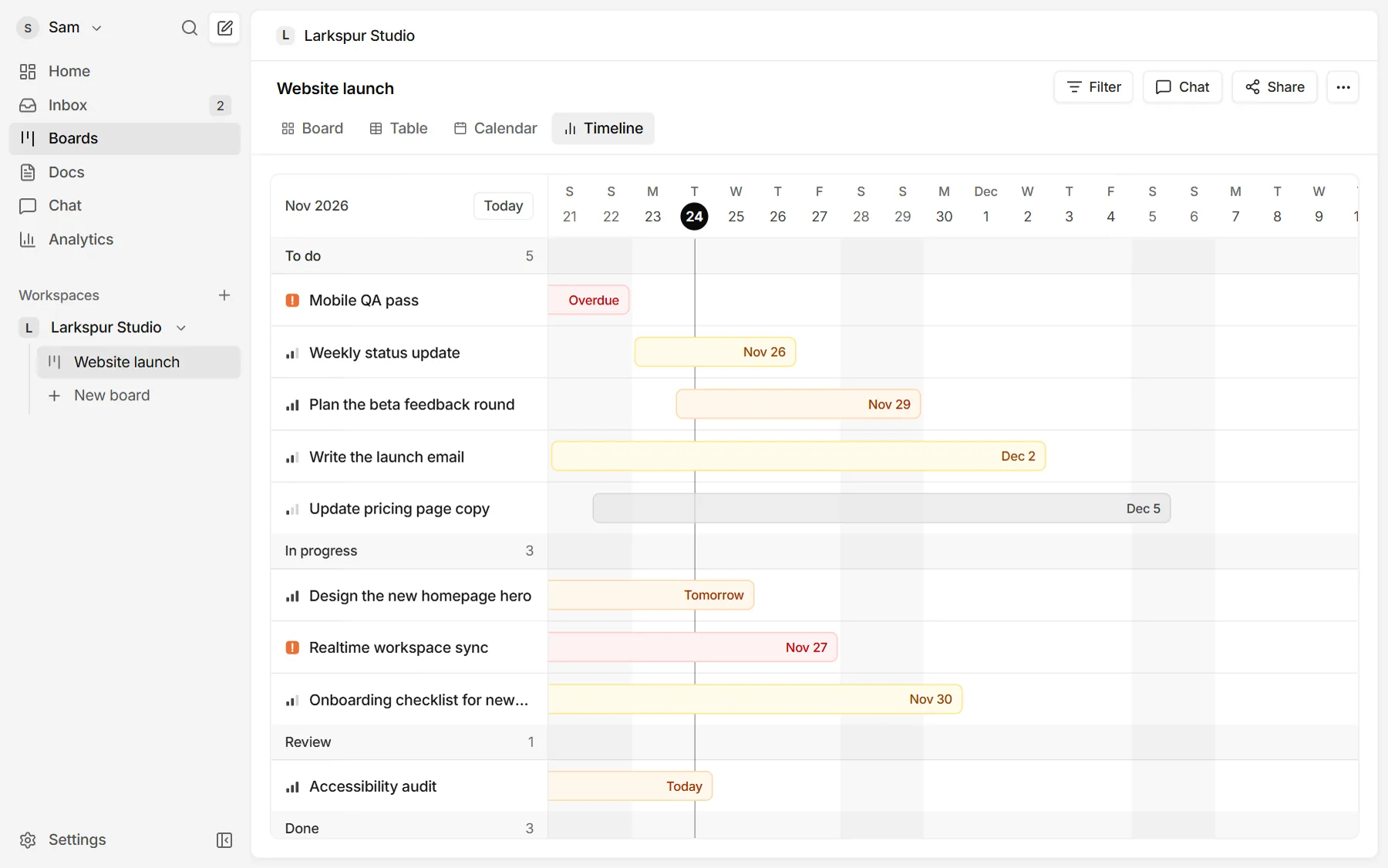
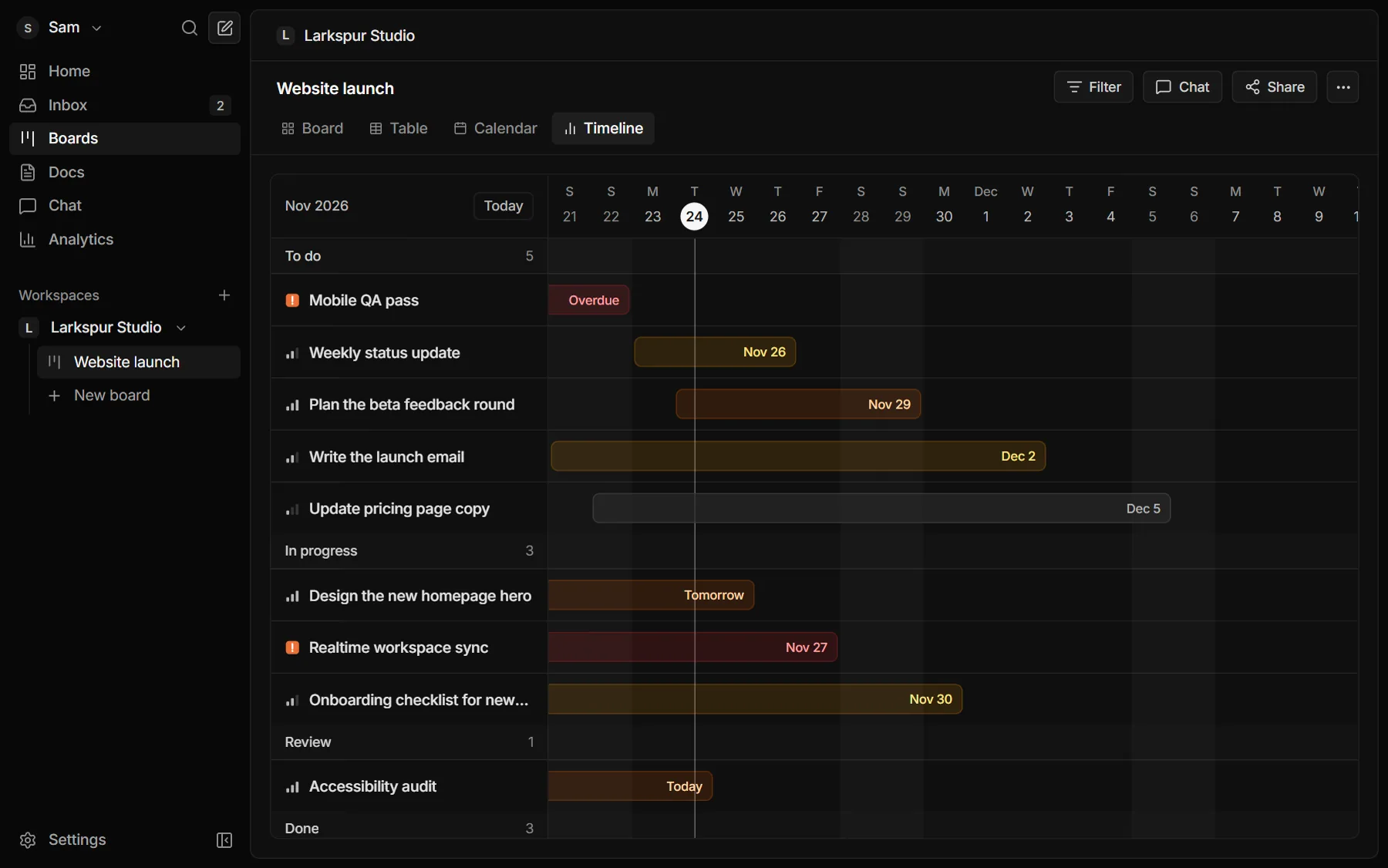
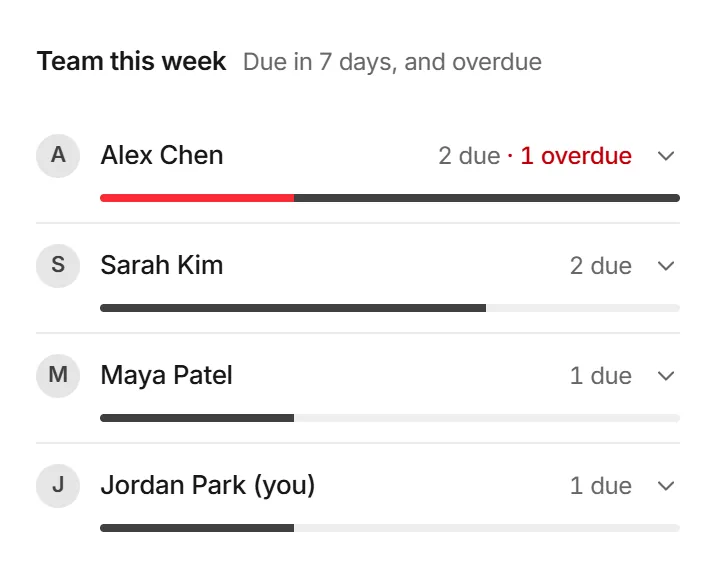
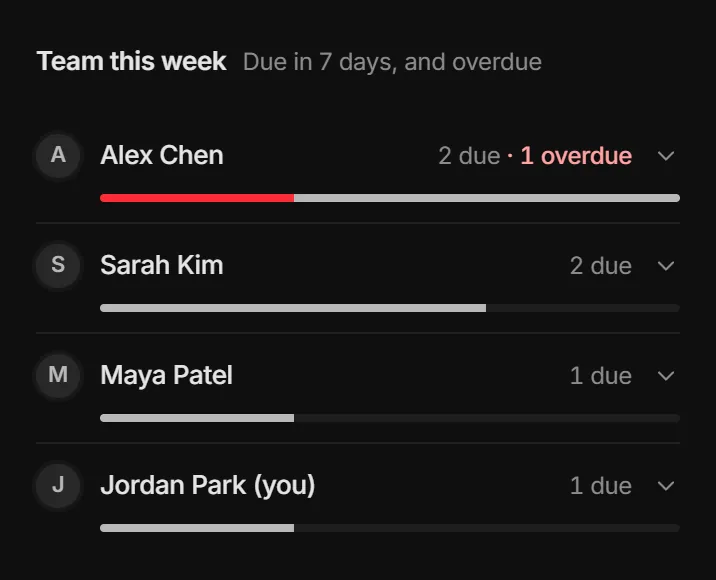
Start a timer on a card or log time by hand, and the card shows the total. "Team this week" on the dashboard shows what each person has due in the next seven days and what is overdue, so you can hand a card to someone with more room. On Pro and Max, Analytics adds a weekly time report.
Daily briefing
Turn it on in Settings › Notifications and pick an hour: each day you get one note with the cards due today, the ones overdue and how many more are due this week, in the app and on your devices, and by email if you like. A day with nothing due sends nothing.
Client portal and public roadmap
Share a read-only link to a board that needs no account. Show it as the board or as a roadmap, and let visitors vote for cards and send feedback, which arrives as a comment on the card.
Connections
Boards can post updates to Slack, Microsoft Teams, Discord, Google Chat or any webhook, take new cards from a private link or a public form, and show GitHub pull requests, Figma files and Loom videos right on the card. Connect a GitHub repository and a merged pull request or a closed issue moves its card to Done. Bring boards over from Trello, Notion, Asana, Jira or Linear exports.
Glidely AI
Glidely AI turns a sentence in any language into a card with its date, priority and labels, splits a big goal into the cards that get it done, suggests the checklist for a card, sums up a busy channel or a card’s comments with "Catch me up", and polishes your writing. You always see the answer first and decide. Everyone gets 30 answers a day, Free included.
Voice, photos and translation
Tap the mic and speak a card in any of 80+ languages, snap a whiteboard or notebook page and its lines become a checklist (on Pro and Max), and translate any card or chat message into 130+ languages. Each one runs only when you press its button, and nothing you send is kept.
Try Glidely free
Boards, team chat and a calendar in one calm workspace. Free plan, no credit card.
Glidely is designed to keep powerful collaboration simple. The interface stays minimal while the workspace structure supports real team workflows.
If you have any questions about this page, email us at support@glidely.site.