Time Tracking on Kanban Cards
Track time right on your kanban cards. Start a timer when you begin, or log the hours by hand, and every card shows its total. On Pro and Max, Analytics adds up the time per person and per card for any period.
In short
- Timer and manual entries: On every plan, including Free
- Time report and CSV: On Pro and Max, in Analytics
- Where it lives: On each card, beside its checklist, files and comments
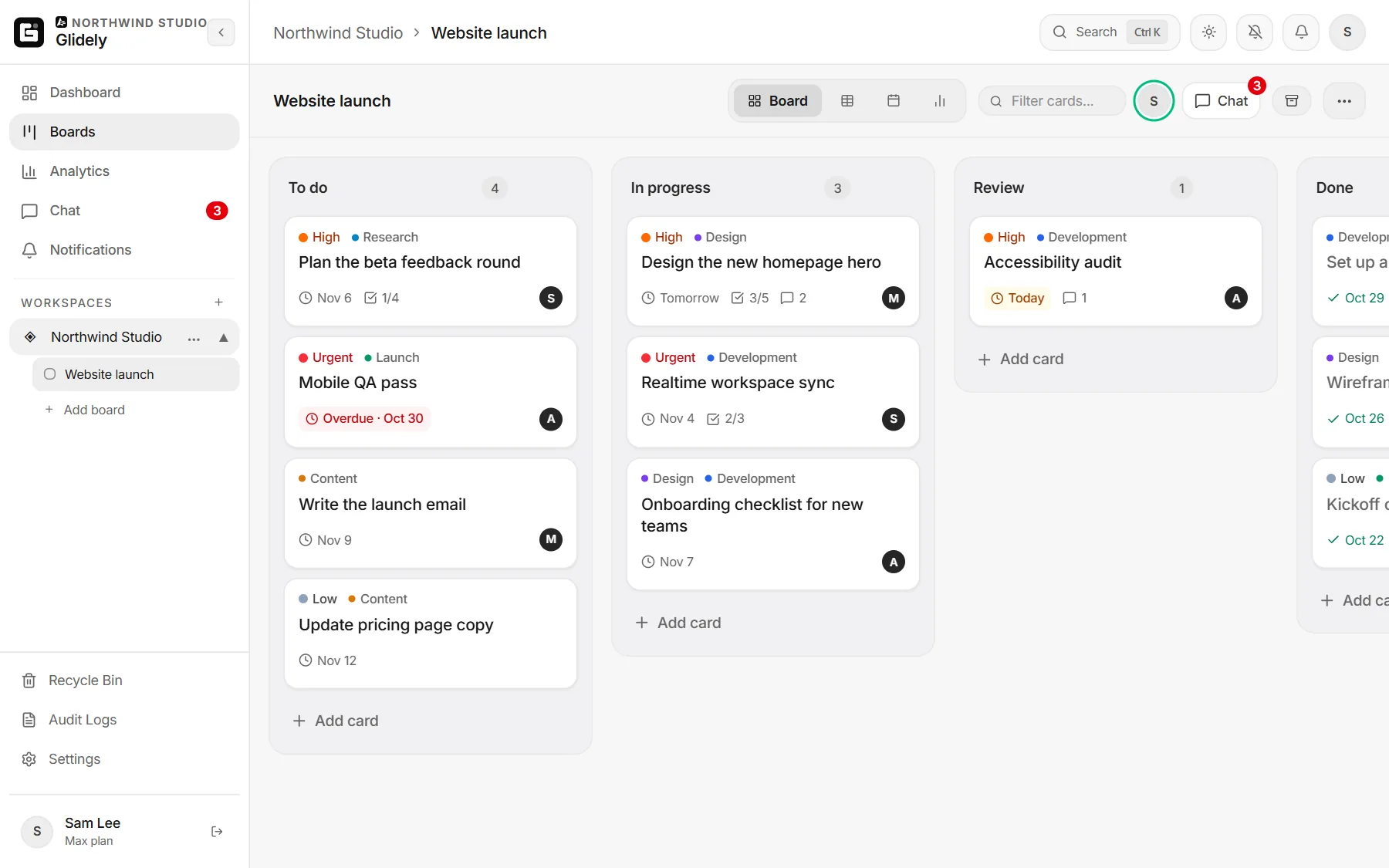
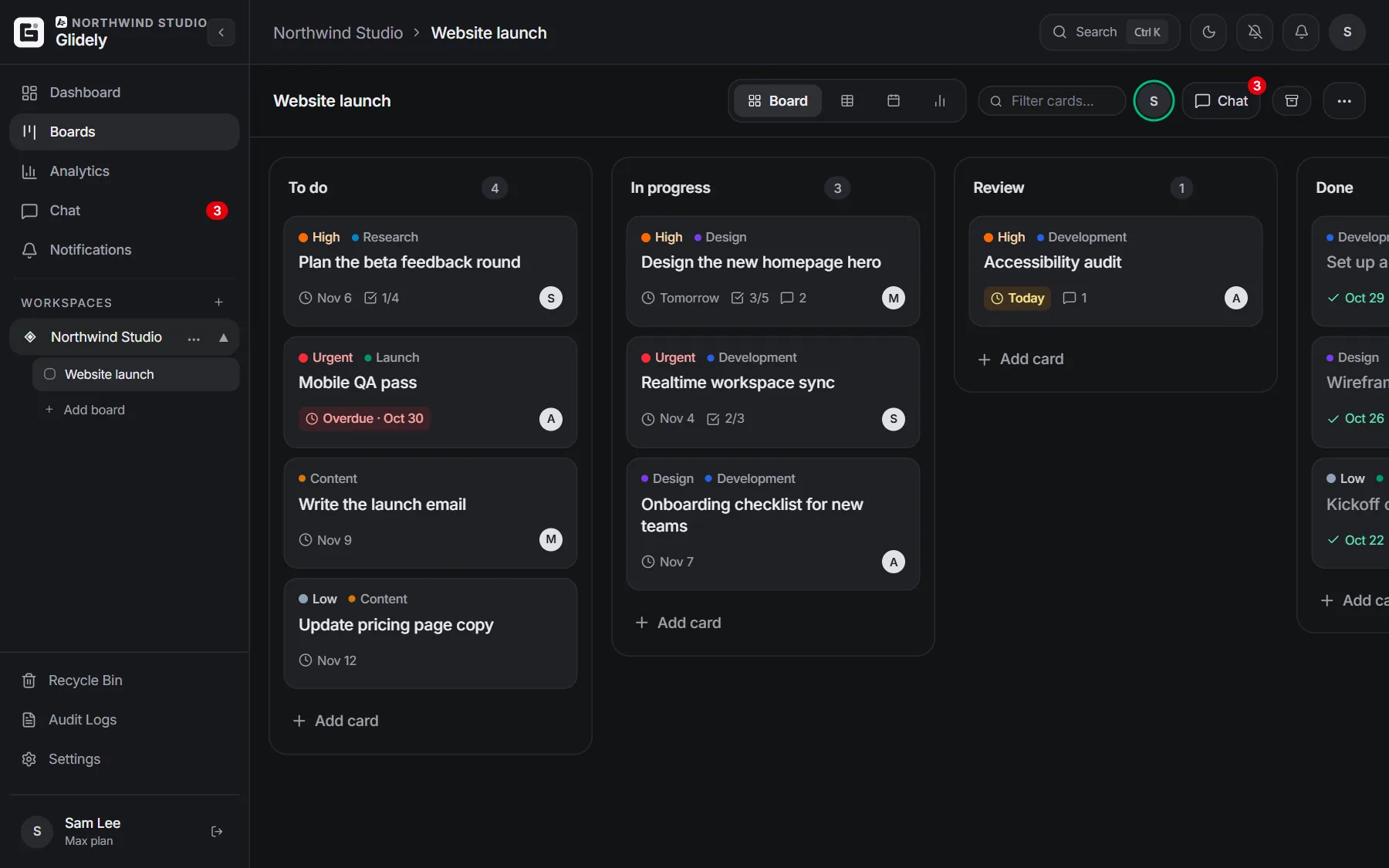
The short answer
Open a card, choose Add to card › Time, and start the timer. Stop it when you are done and the time is saved to the card with your name and the day. If you forgot to start it, type the time instead. The card shows its total, so everyone can see how long the work took.
Start a timer on a card
The timer runs while you work and stops when you press it again. Each stretch of work becomes one entry: who did it, how long and which day. A timer left running overnight is capped at 24 hours, so one forgotten click does not ruin the totals.
Log time by hand
Type the time the way you would say it: 45m, 1.5h, 1h 30m or 1:30, and pick the day you worked. Entries can be removed from the card if they were added by mistake.
See where the time went
On Pro and Max, Analytics shows the time logged in any period, for one board or all of them, added up per person and per card. Click a card in the report to open it, and download the numbers as a CSV file for invoices or timesheets. See pricing.
Who is busy this week
Time shows what happened. "Team this week" on the dashboard shows what is coming: what each person has due in the next seven days and what is overdue, so you can hand a card to someone with more room before it slips.
Good ways to use it
- Freelancers and agencies: log client hours on each card and export them at the end of the month. See Glidely for agencies.
- Product teams: compare the estimate on a card with the time it really took.
- Student groups: see who put in the hours on a group project.
- Anyone: find the kind of work that always takes longer than planned.
Frequently asked questions
Is time tracking free in Glidely?
Yes. The timer and manual time entries are on every plan, including Free. The time report and CSV download in Analytics are on Pro and Max.
Can I log time I forgot to track?
Yes. Type the time on the card, like 45m or 1h 30m, and choose the day you worked.
Can I see time per person?
Yes, on Pro and Max. Analytics adds up the logged time per person and per card for the period and boards you choose.
What happens if I forget to stop the timer?
A timer is capped at 24 hours, and you can remove an entry from the card if it is wrong.
Boards, team chat and a calendar in one calm workspace. Free plan, no credit card.
Time tracking lives on the card, so the hours, the checklist and the conversation stay together.
If you have any questions about this page, email us at support@glidely.site.