Works with Google Workspace
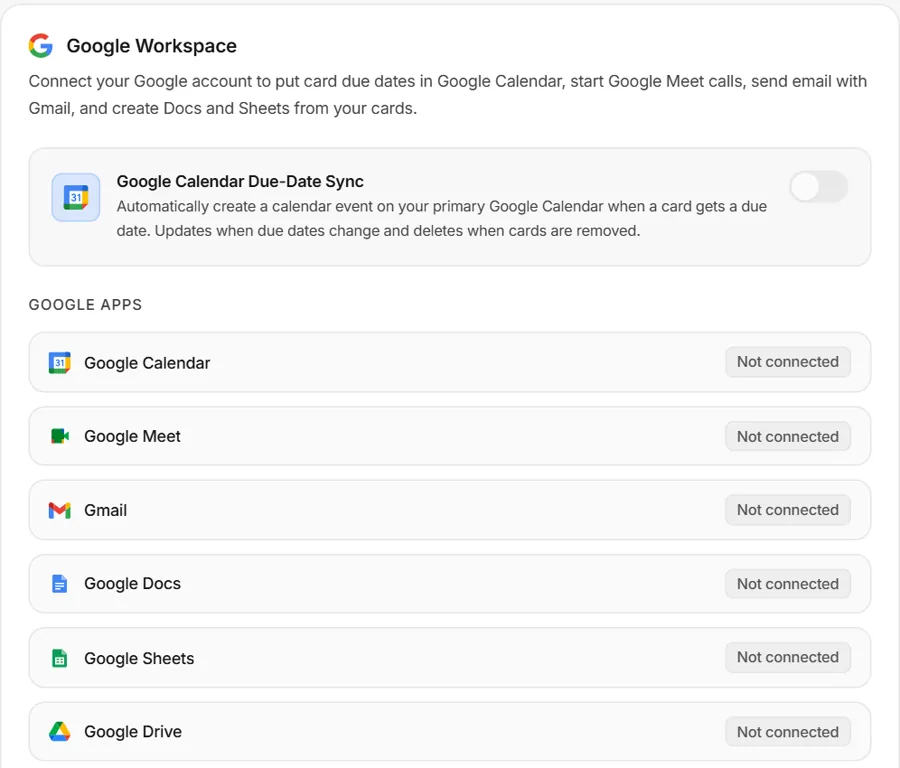
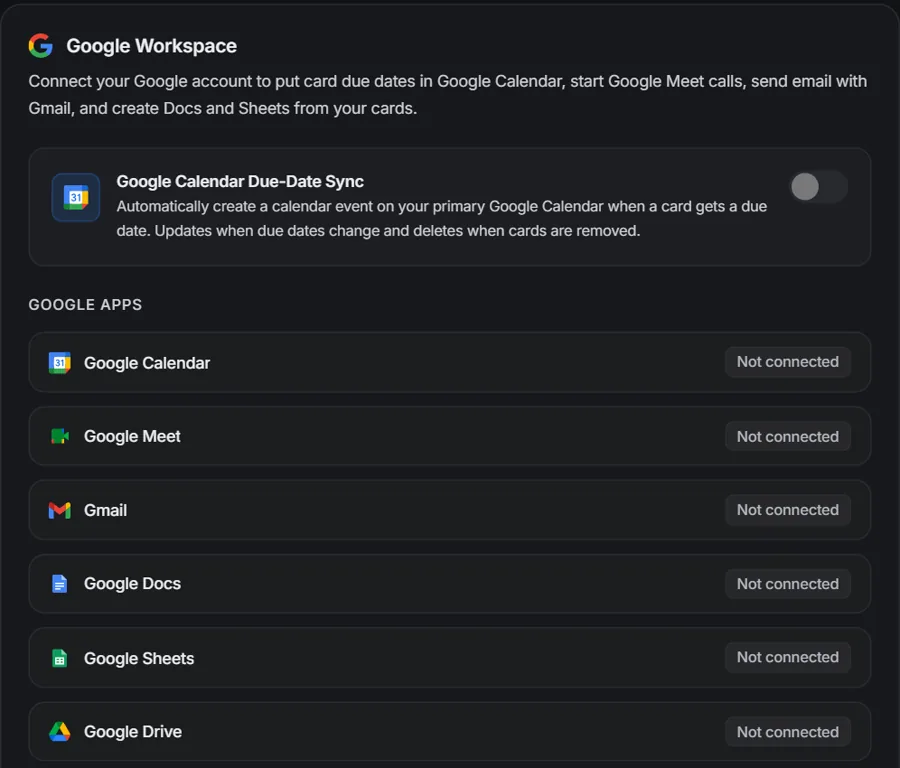
Sync due dates to Google Calendar, start Meet calls, send cards with Gmail and keep Drive, Docs and Sheets next to the work.
Glidely brings your team's kanban boards, chat and calendar into one calm workspace, so everyone knows what's next without jumping between apps.
Works with the Google tools your team already uses
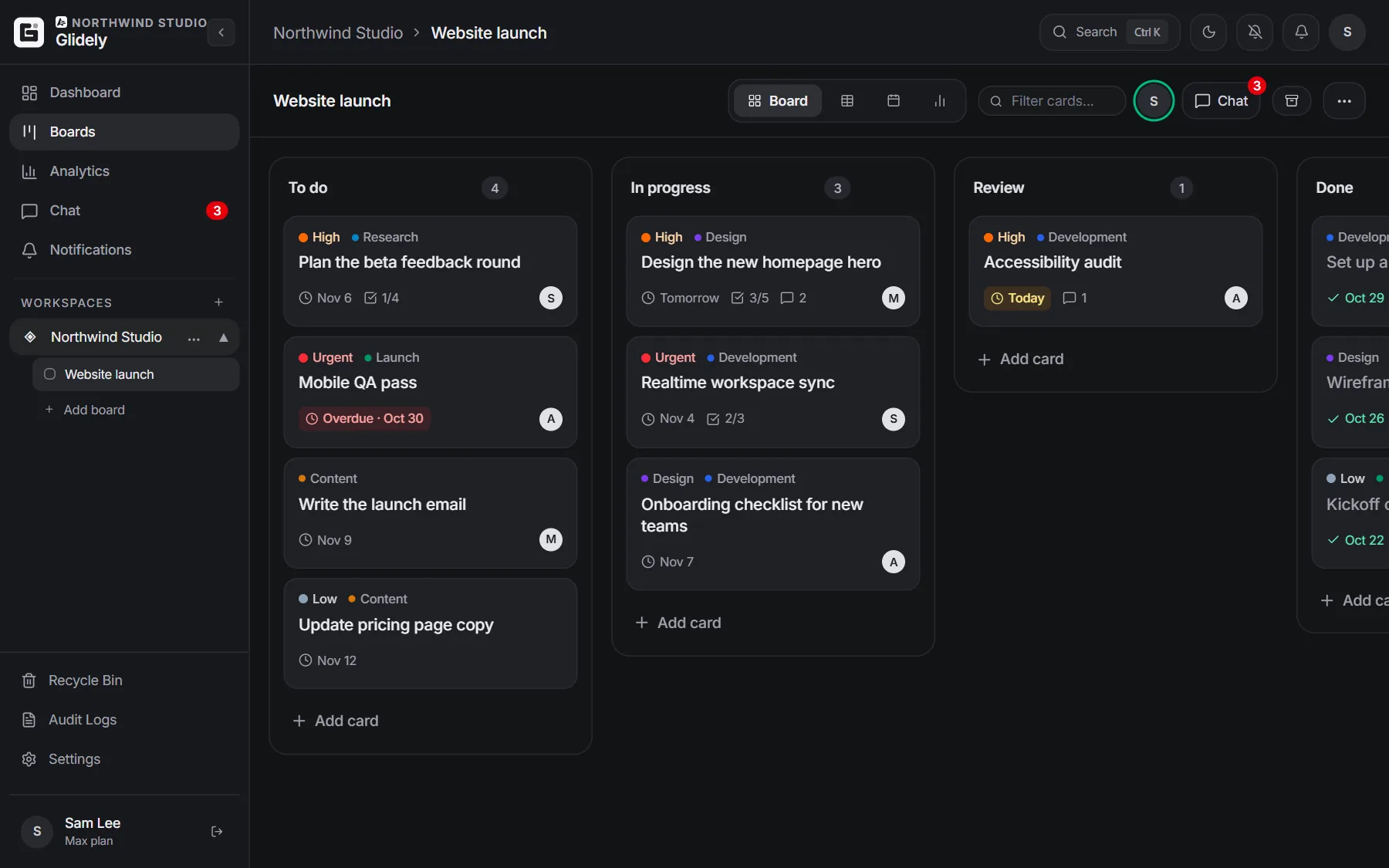
Boards, chat, a calendar and a dashboard that all stay in sync. No more jumping between five apps to find out what’s going on.
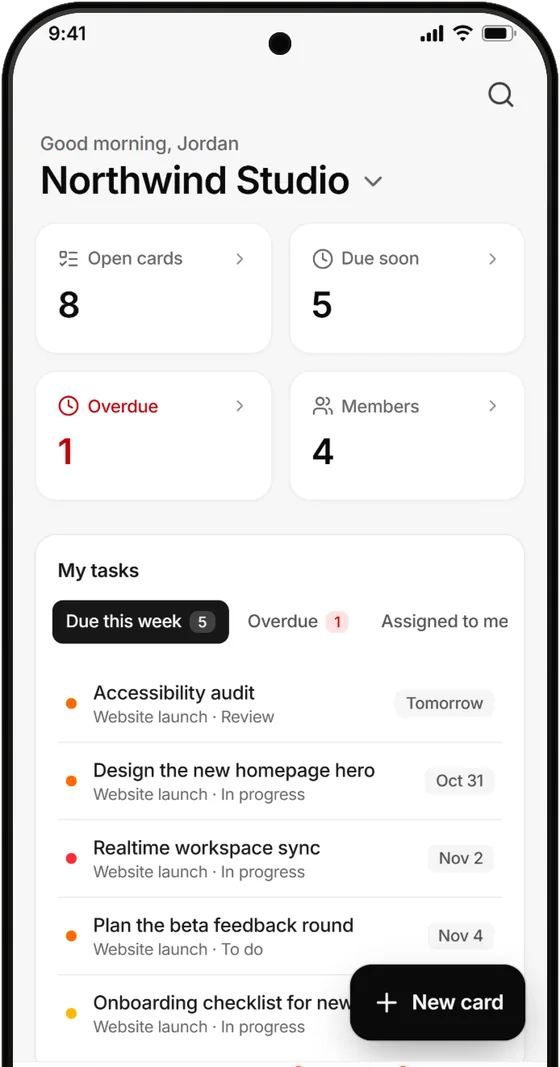
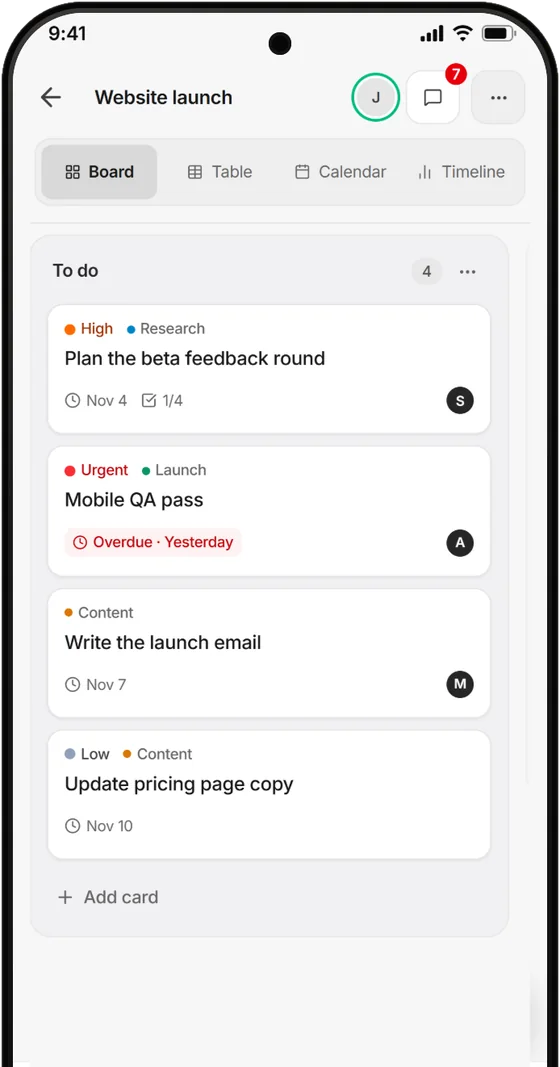
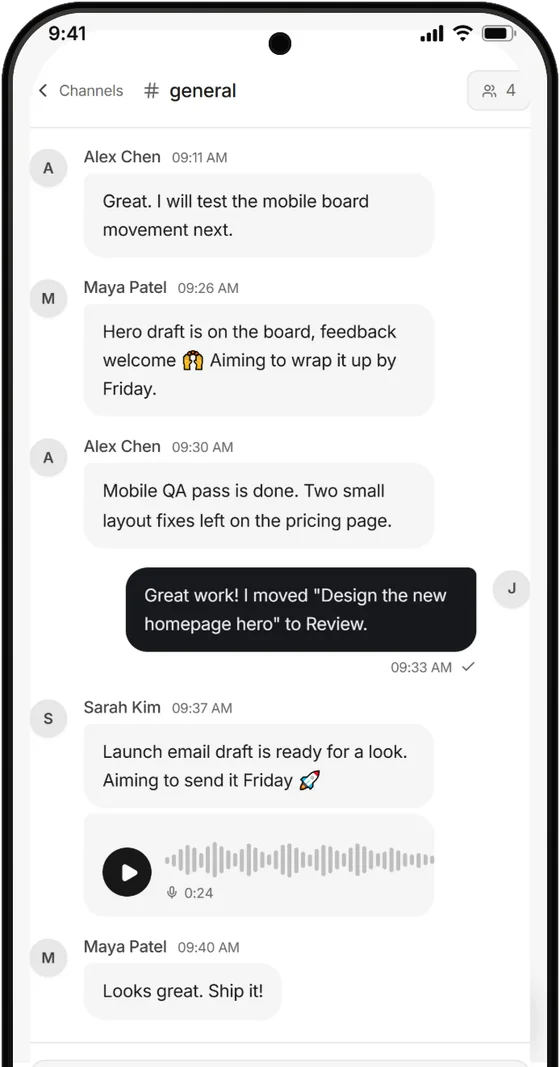
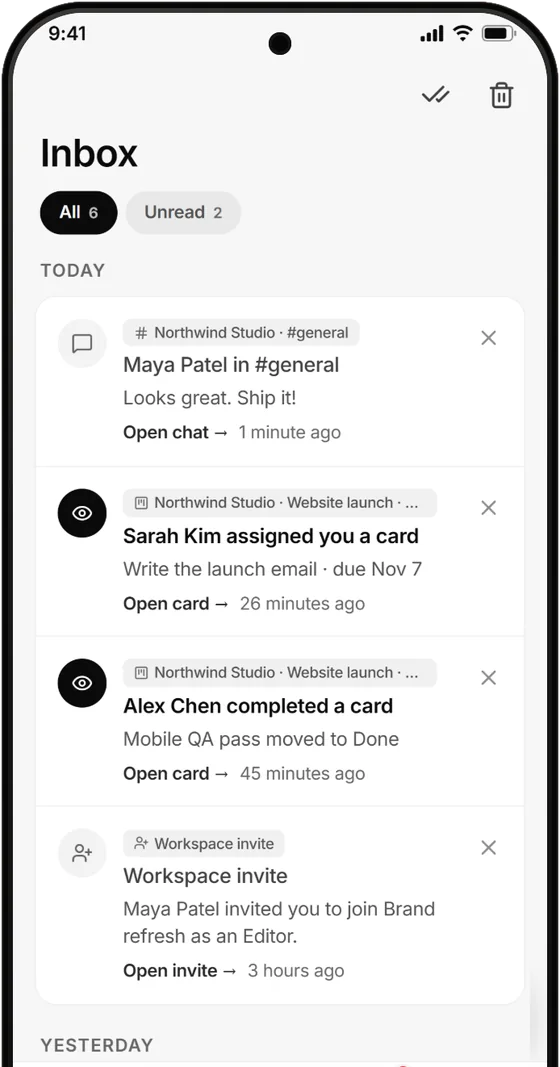
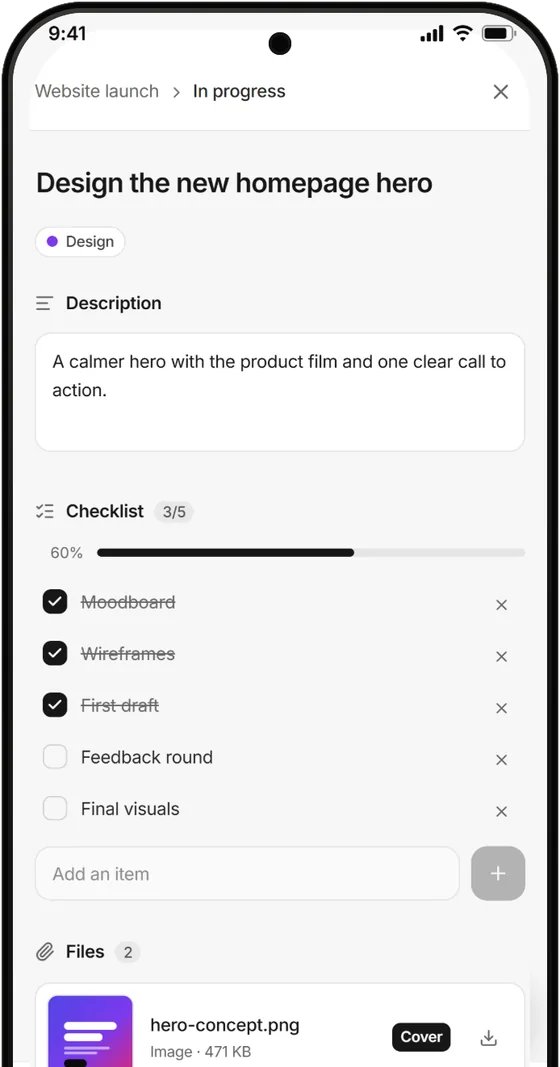
Boards, chat, your inbox and every card on your phone, laid out for one thumb. These are real screens from Glidely for Android.
Coming to Google Play. Same account, same workspaces, kept in sync as you work.
Open glidely.site in your browser and add it to your home screen to use it like an app.
An inbox for messages, invites and finished cards, so nothing waits until you are back at a desk.
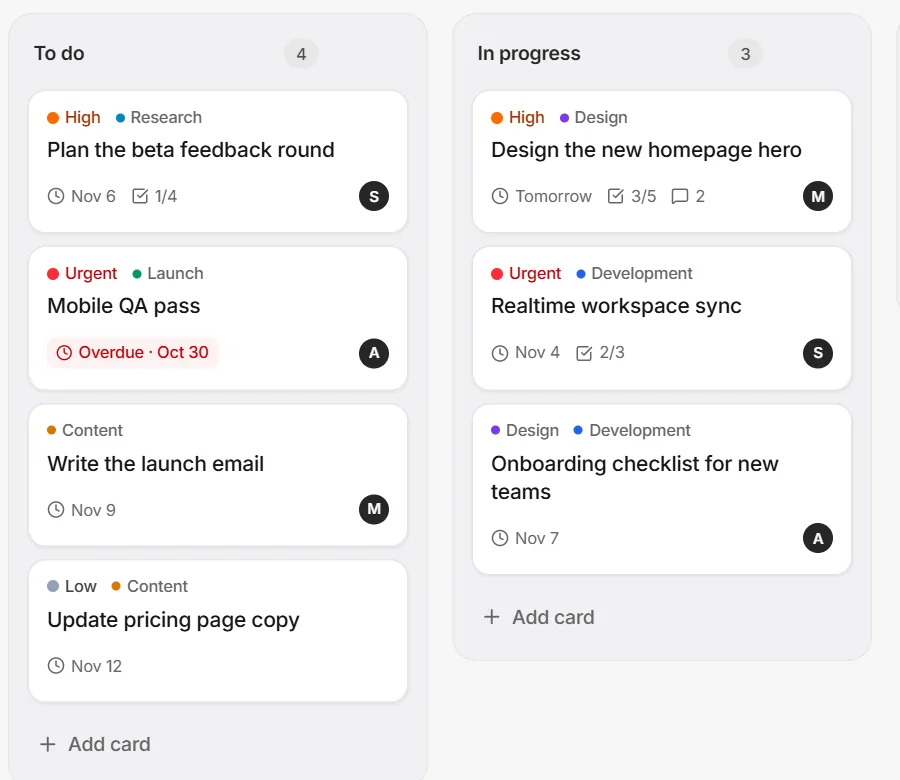
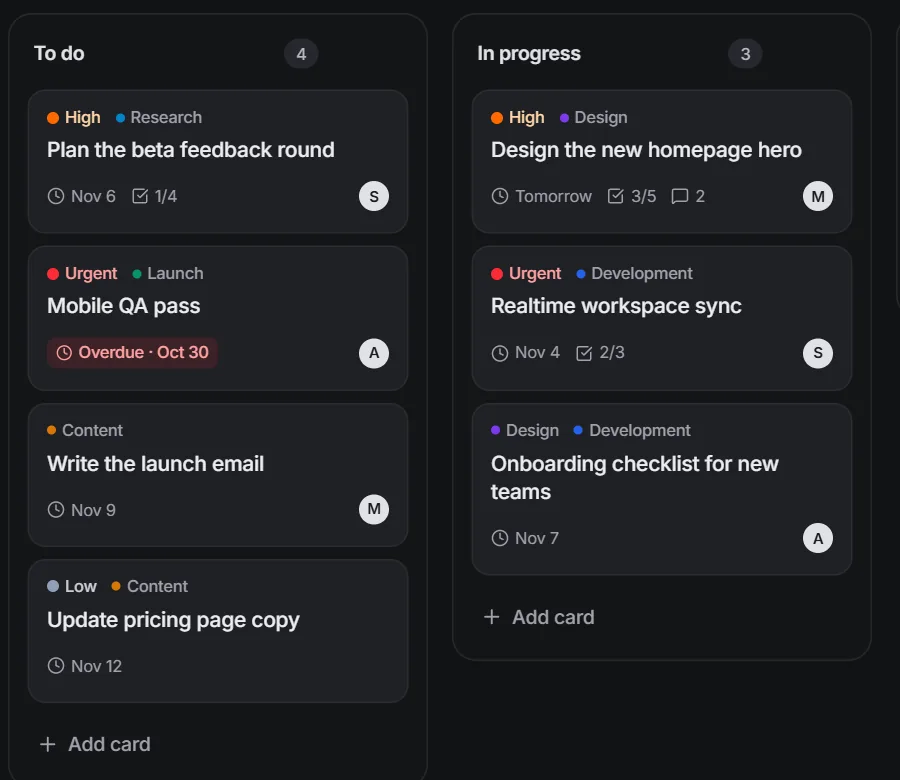
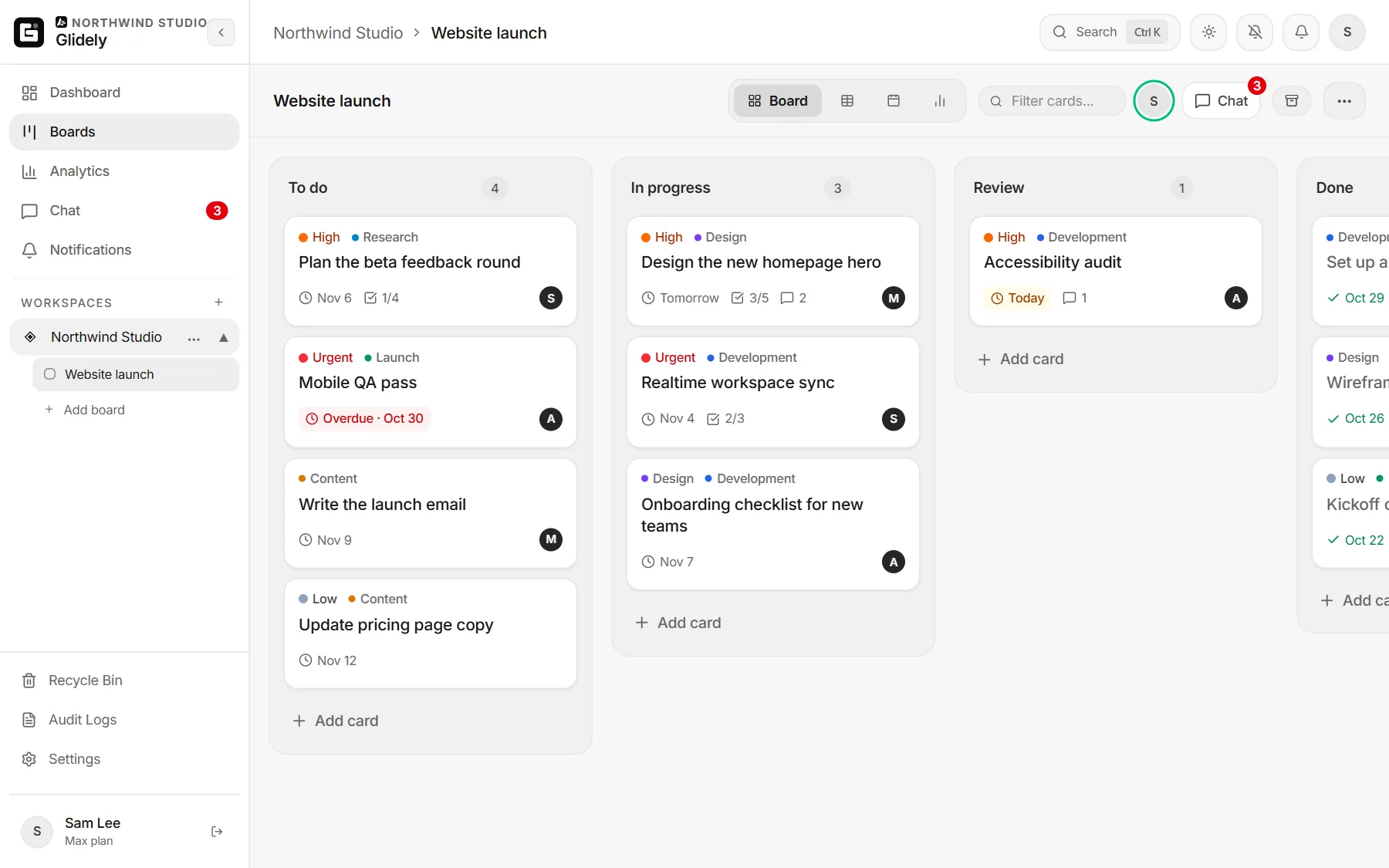
This is how work moves in Glidely. Drag a card to another list, or tap it to send it along. Your team sees every move as it happens.
The small things that make a tool feel calm instead of chaotic, all included on the Free plan unless noted.
Sync due dates to Google Calendar, start Meet calls, send cards with Gmail and keep Drive, Docs and Sheets next to the work.
When a teammate moves a card or ticks a checklist, you see it right away. No refreshing.
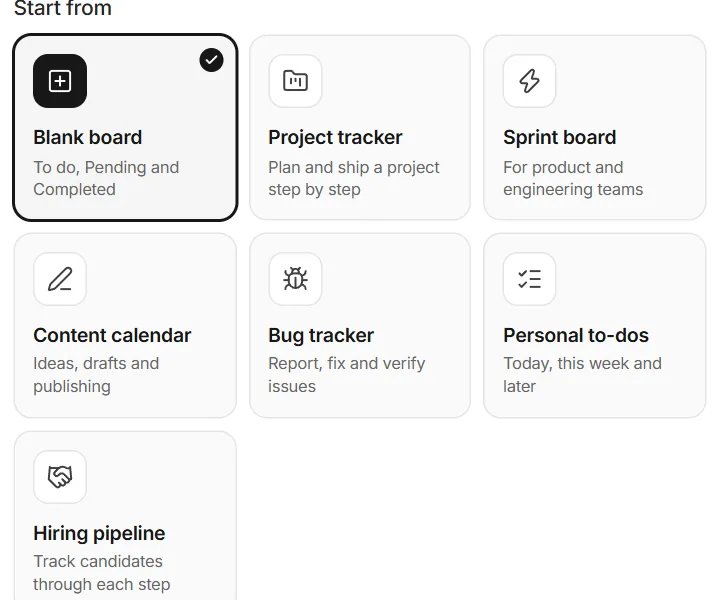
Project trackers, sprints, bug trackers, content calendars and more, ready in one click.
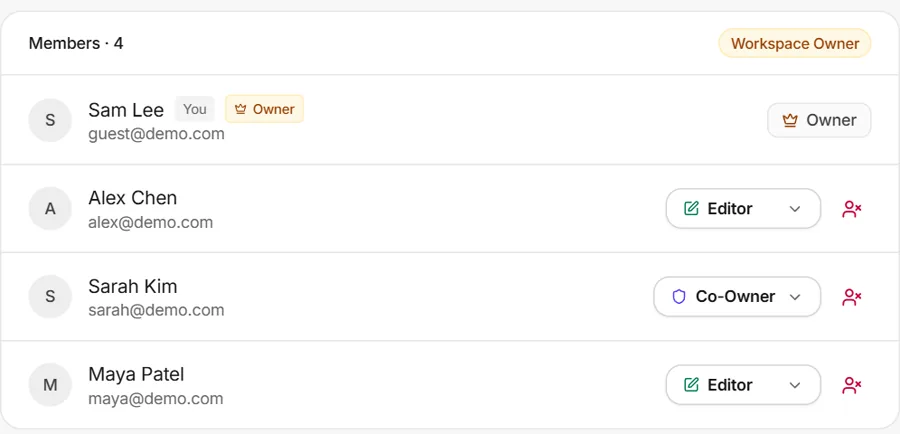
Invite people as Co-owners, Editors or Viewers, invite someone to just the boards they need, and keep boards private on Pro.
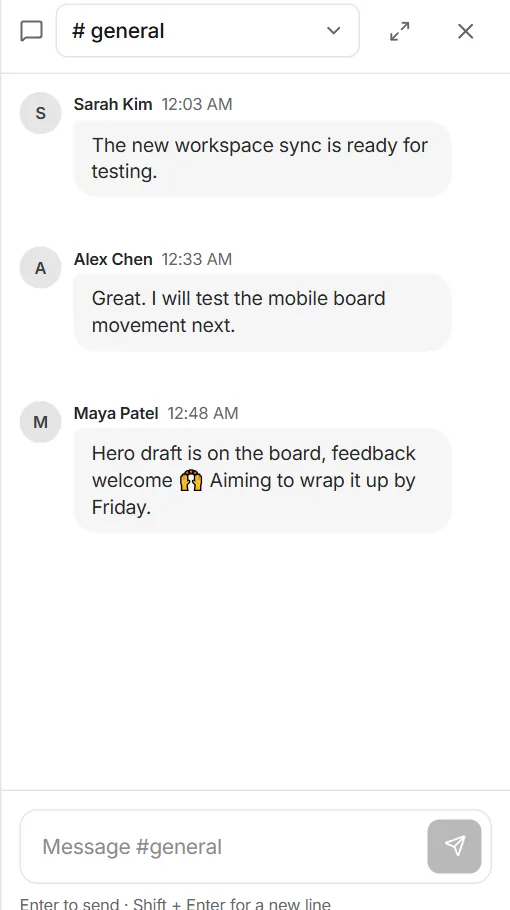
Channels, private channels and direct messages, open next to any board without losing your place.
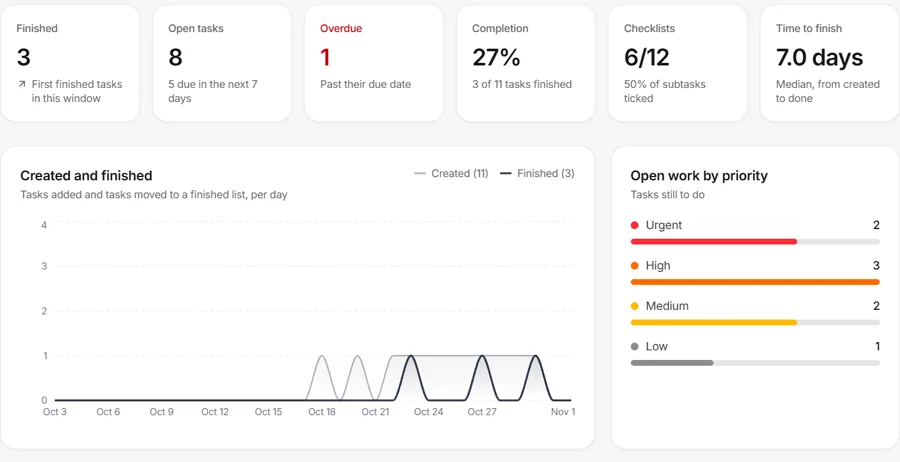
Analytics show what's moving, what's stuck and how much your team finished this week.
Restore deleted boards, lists and cards from the recycle bin for 30 days, and see who changed what in the activity log.
Modern sign-in and strict access rules keep your team's work between your team.
No setup calls, no training. If your team can use a to-do list, they can use Glidely.
Sign up free and get a workspace with your first board, lists and a team chat channel ready to go.
Send an email invite or share a link. Pick each person’s role so they get exactly the access they need.
Add cards, set due dates, talk things through in chat and watch the work move to Done.
Whether you're three friends on a side project or a growing company, Glidely stays simple.
Plan releases, assign owners and keep launch talk next to the launch board.
Project management for small teamsRun sprints, track bugs and see what shipped this week at a glance.
Sprint and bug tracker templatesMove briefs from idea to handoff and keep feedback in one thread.
Give each client a workspace, and let them view progress without editing.
Glidely for freelancersPlan campaigns and content calendars with due dates everyone can see.
The team calendarSplit up group projects, share files and chat without a pile of apps.
Glidely for student groupsOne flat price for your whole team, not per person: a team of 10 on Pro pays $8 a month, not $80. Upgrade only when you need more.
Use the code at checkout for one month of Pro on the monthly plan. After that it is the normal price, and you can cancel any time. Share it with friends and family too.
For individuals and small teams getting started.
No credit card needed
For teams that are growing and want more room.
Billed monthly, cancel anytime
For larger teams and agencies that want the most room.
Billed monthly, cancel anytime
Prices are in USD. Local taxes may be added at checkout. See our Refund Policy and Terms.
Honest reviews help teams decide if Glidely is right for them. Reviews are collected and published by Trustpilot, an independent review site, so we can't edit or hide them.
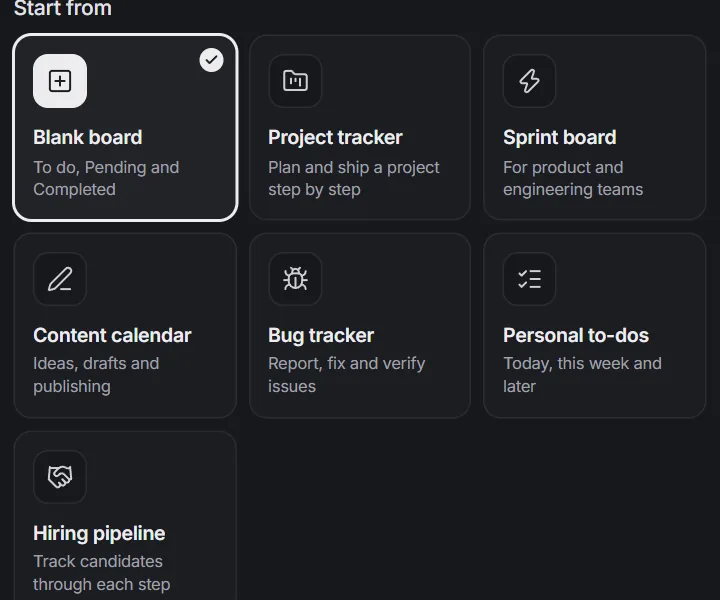
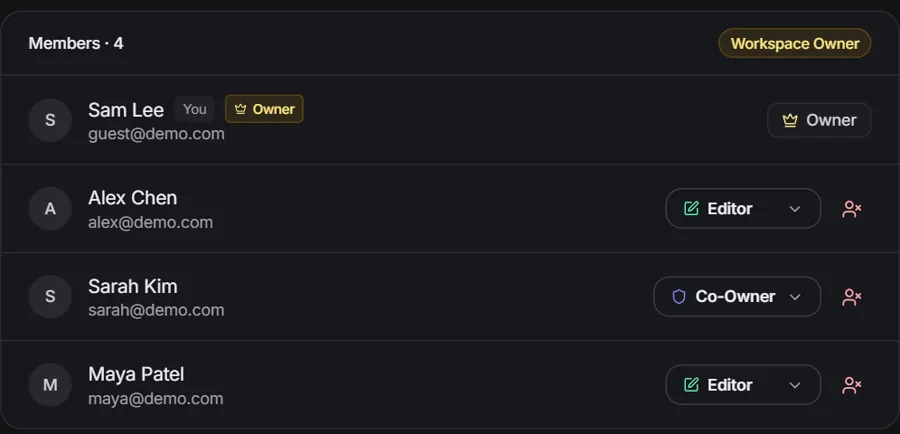
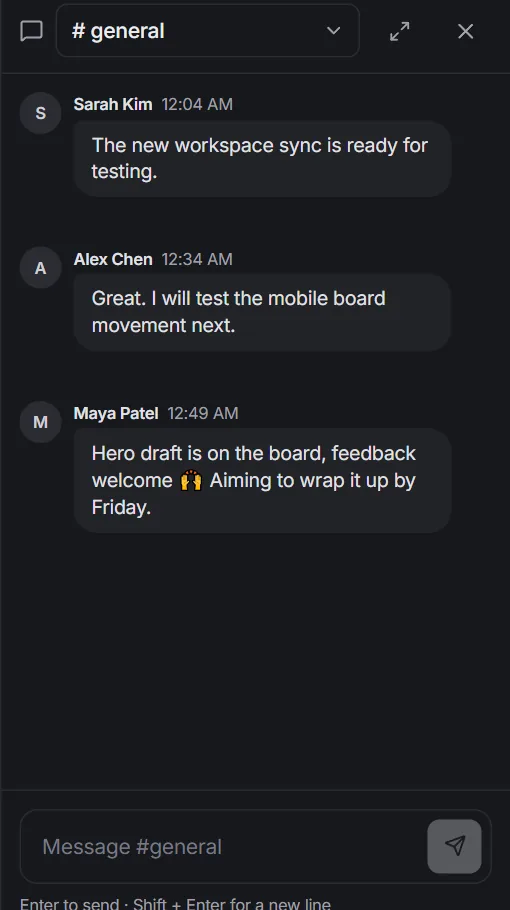
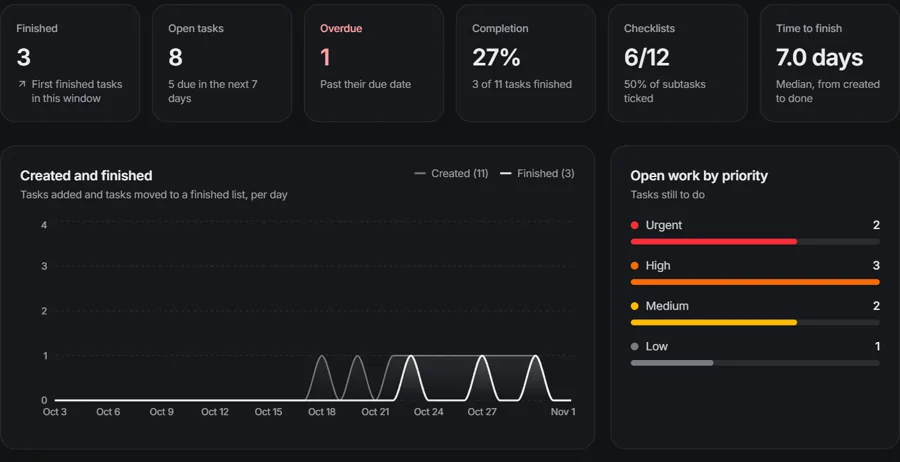
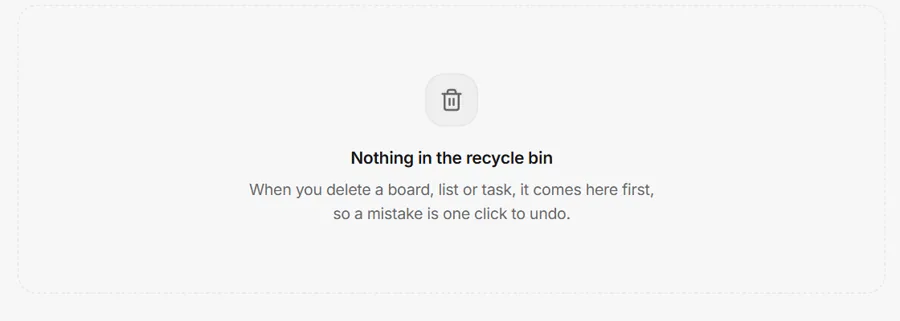
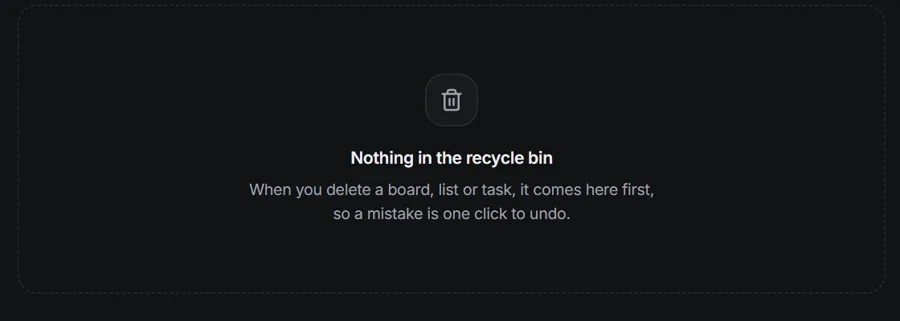
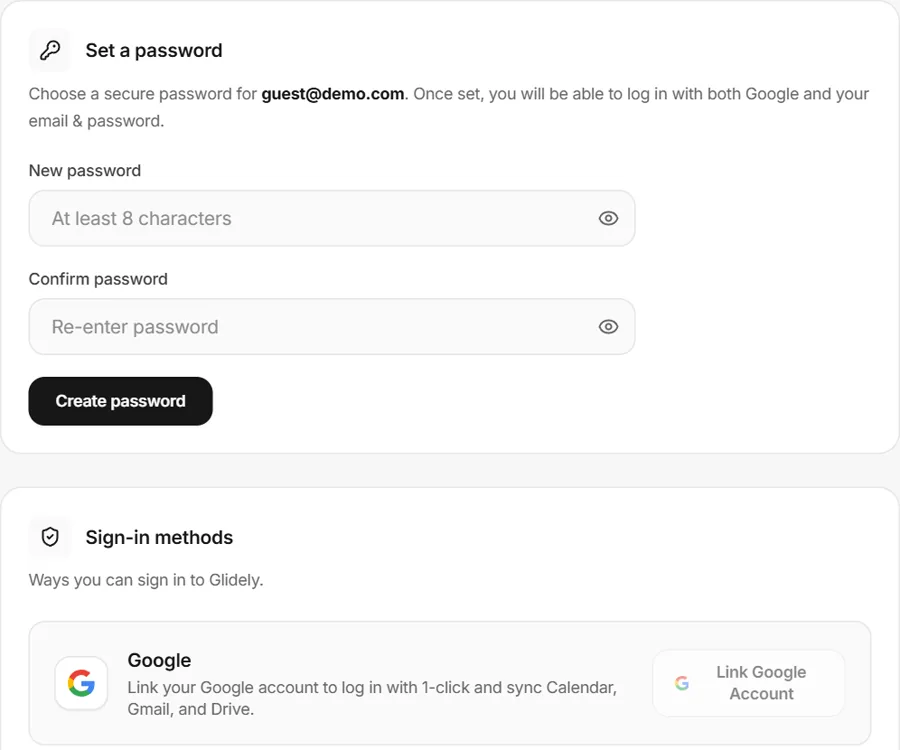
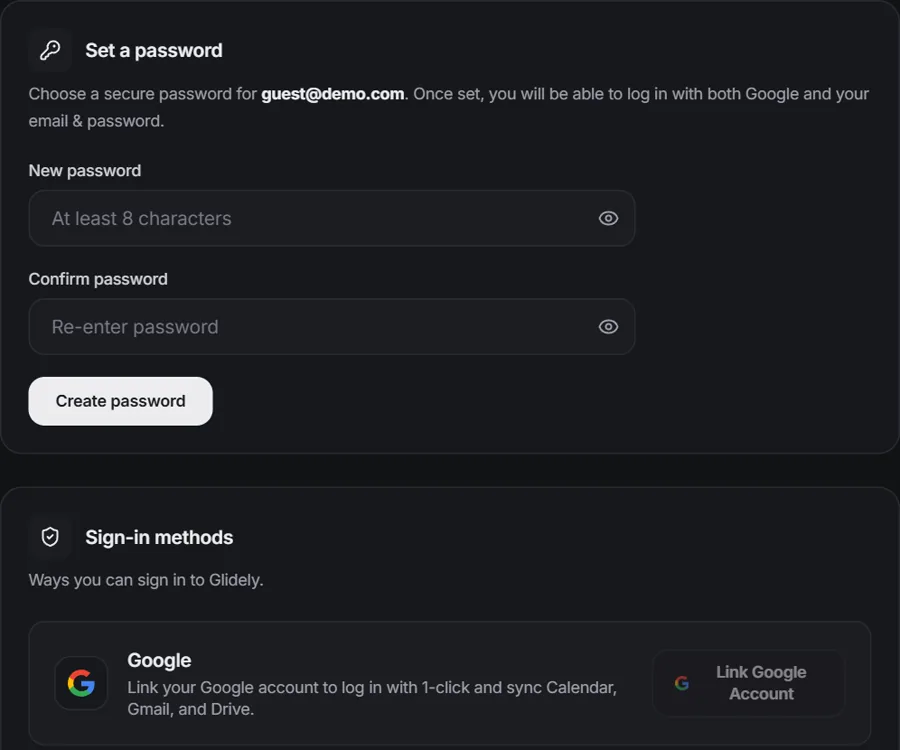
Glidely looks sharp either way, with every screen and dialog tuned to stay easy to read. Switch any time, or let it follow your device.
Drag the handle to compare. You can change the theme any time from the top bar.
Find anything in a second and add cards as fast as you can type. Your mouse can take a break.
Yes. The Free plan has no time limit and needs no credit card. It includes 1 workspace with 1 board, 12 cards and 5 lists per board, 3 members, 100 MB of file storage, team chat and Google Calendar and Meet. Upgrade when you need more workspaces, boards, cards, people, storage, history or analytics.
No. Pro is $8 a month and Max is $20 a month for your account, not per member. Pro gives you 2 workspaces with 2 boards each, 20 cards per board and up to 15 people per workspace; Max gives you 5 workspaces with 4 boards each, unlimited cards and unlimited people. Paying yearly saves up to 20%.
Yes. Click “Explore the live demo” at the top of this page to look around a sample workspace. No account needed.
Glidely keeps your kanban boards, team chat and a calendar of due dates in one workspace, with one set of members and roles, so decisions stay next to the tasks they are about. Paid plans are one flat price per account instead of a price for every person.
Glidely runs in the browser, and you can install it as an app: "Add to Home Screen" on a phone, or the install button in Chrome or Edge on a computer. It opens in its own window, and boards and chat you have opened stay readable offline. Everything is laid out for phones and tablets as well as computers.
Yes. Any board can be exported as a CSV or JSON file and imported again, so your work is never locked in.
Changes show up for everyone right away. When a teammate moves a card, ticks off a checklist item or sends a message, you see it without refreshing the page.
Invite people by email or with a share link, and pick a role for each person. Viewers can look but not change anything, Editors can work on boards, and Co-owners can also manage members. Invite links expire after 7 days to keep your workspace safe.
Yes, to cards and chat messages. Free includes 100 MB of storage, Pro 1 GB and Max 3 GB, with files up to 10 MB, 25 MB and 100 MB. “Compare all features” in Pricing shows how it is shared between workspaces and boards. Removing a file gives its space back, and you can always link files from Google Drive.
Workspaces are invite-only and protected by strict access rules, so people only see the workspaces they belong to. Private chats can only be read by the people in them. You can sign in with a passkey or turn on two-factor login, and every connection is encrypted.
Yes. A plan belongs to the workspace and follows the person who owns it, so everyone you invite gets its features there, limited by their role. Your teammates keep their own Free plan in any workspace they own themselves.
Nothing is deleted. Older chat messages and activity stay saved and are hidden until you upgrade again, and your files, boards, lists, cards and private boards stay where they are. You just cannot add more workspaces, boards, lists, cards, checklist items, members or files beyond the Free limits until there is room again.
Checkout is handled by Lemon Squeezy, our payment partner. Your plan switches on as soon as the payment is confirmed. You can cancel anytime from your billing page and keep your paid features until the end of the period you paid for. Your first payment has a 14-day money-back guarantee.
Still have a question? Email support@glidely.site
Set up your first workspace in under a minute. Free forever for small teams.