Project Management for Agencies
Run client work from one place with Glidely: a workspace or board for each client, a read-only link clients can open without an account, chat beside the work, time logged on cards and one flat price for the account.
In short
- Clients: A workspace or a board for each client
- Client access: Read-only links with no account, Viewer invites, or one board only
- Price: Free plan; Pro $8 and Max $20 a month per account, not per person
The agency problem
Client work spreads across too many places: tasks in one tool, feedback in email, files in a drive and status updates in a weekly call. Clients keep asking where things stand, and every new freelancer or client login adds to the bill.
A home for each client
Give each client their own workspace, with its own boards, chat and files, or keep smaller clients as boards in one workspace. Pro has 2 workspaces with 2 boards each and Max has 5 workspaces with 4 boards each, so an agency with many clients will want Max. Start each client from a template such as Project tracker or Content calendar.
Show progress without a login
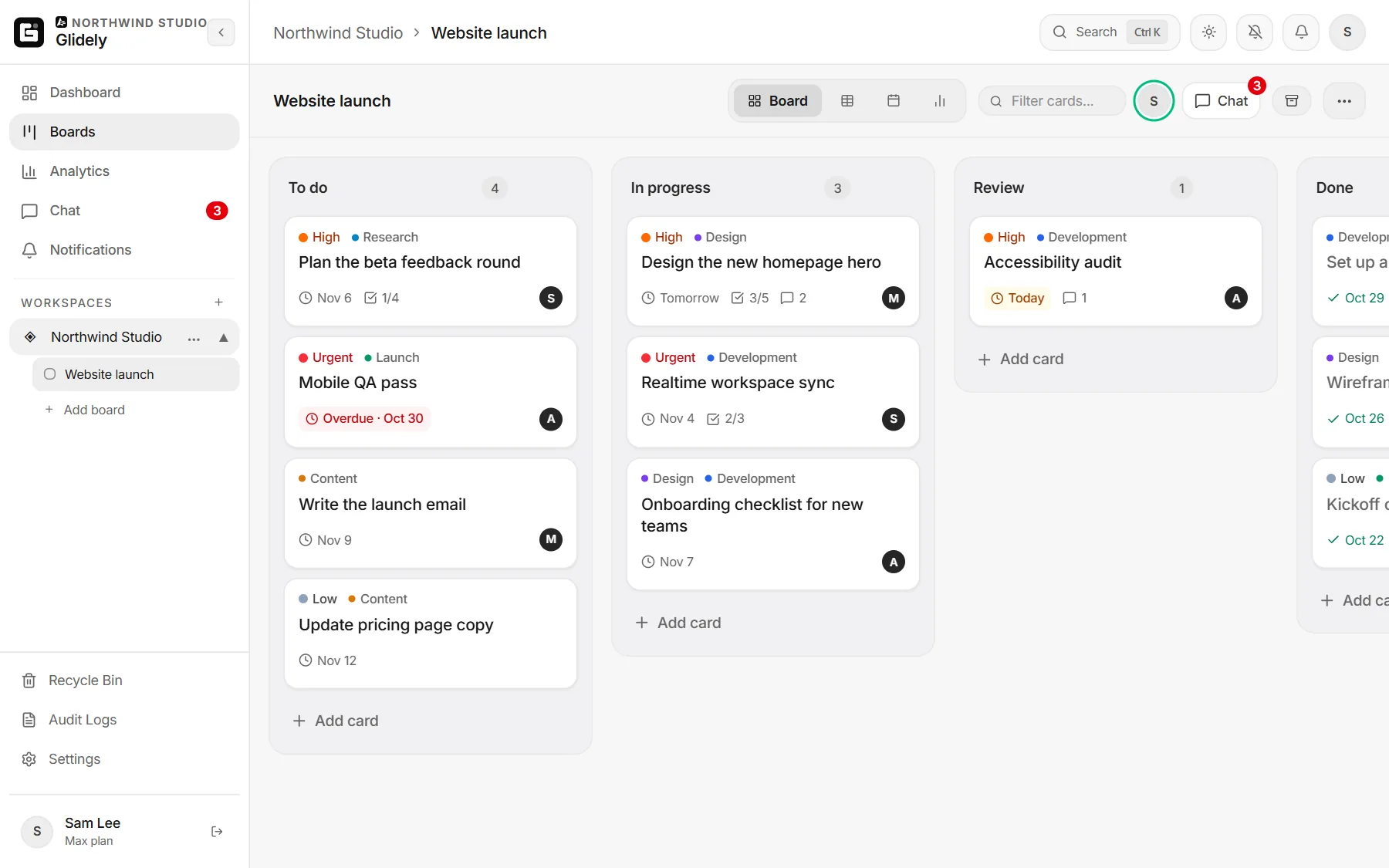
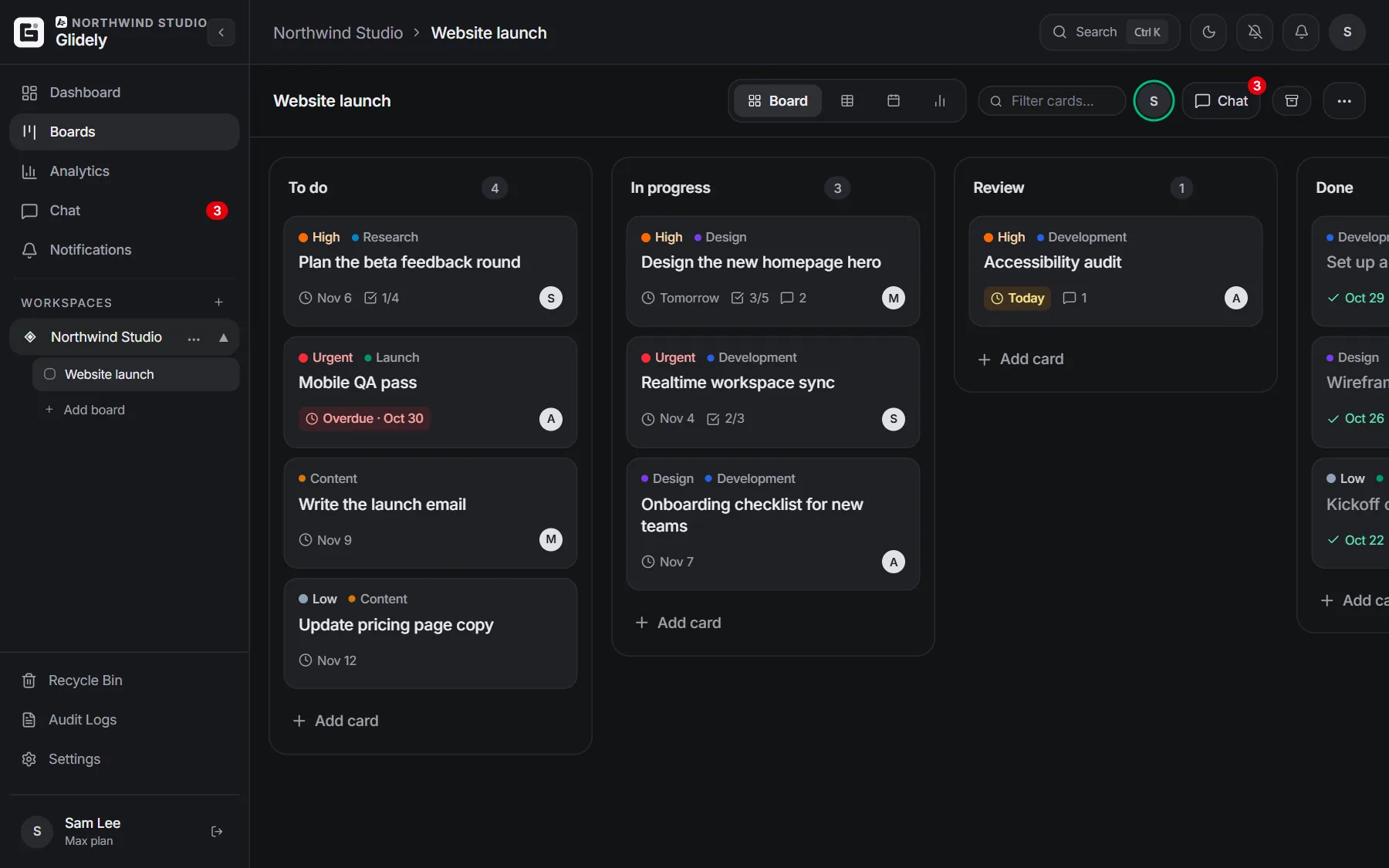
Share a read-only link to a board and the client sees the cards, lists and due dates without signing up. Show it as the board or as a roadmap, and let clients vote for cards and send feedback, which arrives as a comment on the card.
Invite clients safely
When a client should be inside the workspace, invite them as a Viewer: they can see everything and change nothing. You can also invite someone to a single board, so a client never sees another client’s work. On Pro and Max, private boards are open only to the people you add.
Feedback and files in context
Keep briefs, drafts and approvals on the card they belong to, and talk it through in the card’s comments or in team chat beside the board. Write the project brief as a Doc in the workspace and link the cards it mentions.
Hours you can bill
Log time on each card with a timer or by hand. On Pro and Max, Analytics adds the hours up per person and per card for any period and downloads them as a CSV file for invoices. See time tracking.
Keep your team in the loop
Post board updates to Slack, Microsoft Teams, Discord or Google Chat, so the team sees new and finished cards where they already talk. Due dates can go to Google Calendar or Outlook.
Pricing that does not grow with clients
Glidely is priced per account, not per person, so inviting a client or a freelancer does not add a seat to your bill. Pro allows up to 15 people per workspace and Max has no member limit. See pricing.
Frequently asked questions
Can clients see a board without an account?
Yes. Share a read-only link to the board. Clients can open it without signing up, view it as a board or a roadmap, vote and send feedback.
Can a client only see their own project?
Yes. Give each client their own workspace, or invite them to a single board. Viewers can look but cannot change anything.
Do clients count as paid seats?
No. Glidely is priced per account. Each plan has a limit on members per workspace: 3 on Free, 15 on Pro and unlimited on Max.
Can we track billable hours?
Yes. Log time on cards on every plan. On Pro and Max, the Analytics time report totals the hours per person and per card and exports them as CSV.
Boards, team chat and a calendar in one calm workspace. Free plan, no credit card.
Clients see progress; your team keeps the conversation next to the work.
If you have any questions about this page, email us at support@glidely.site.