Kanban Board Examples: 5 Setups You Can Copy
Five kanban board examples with their columns and how to use them: a content calendar, a sprint board, a bug tracker, a hiring pipeline and a personal board. Each is a ready template in Glidely.
In short
- Reading time: About 5 minutes
- Best for: Teams setting up their first or next board
- Try it: Every example is a ready template in Glidely
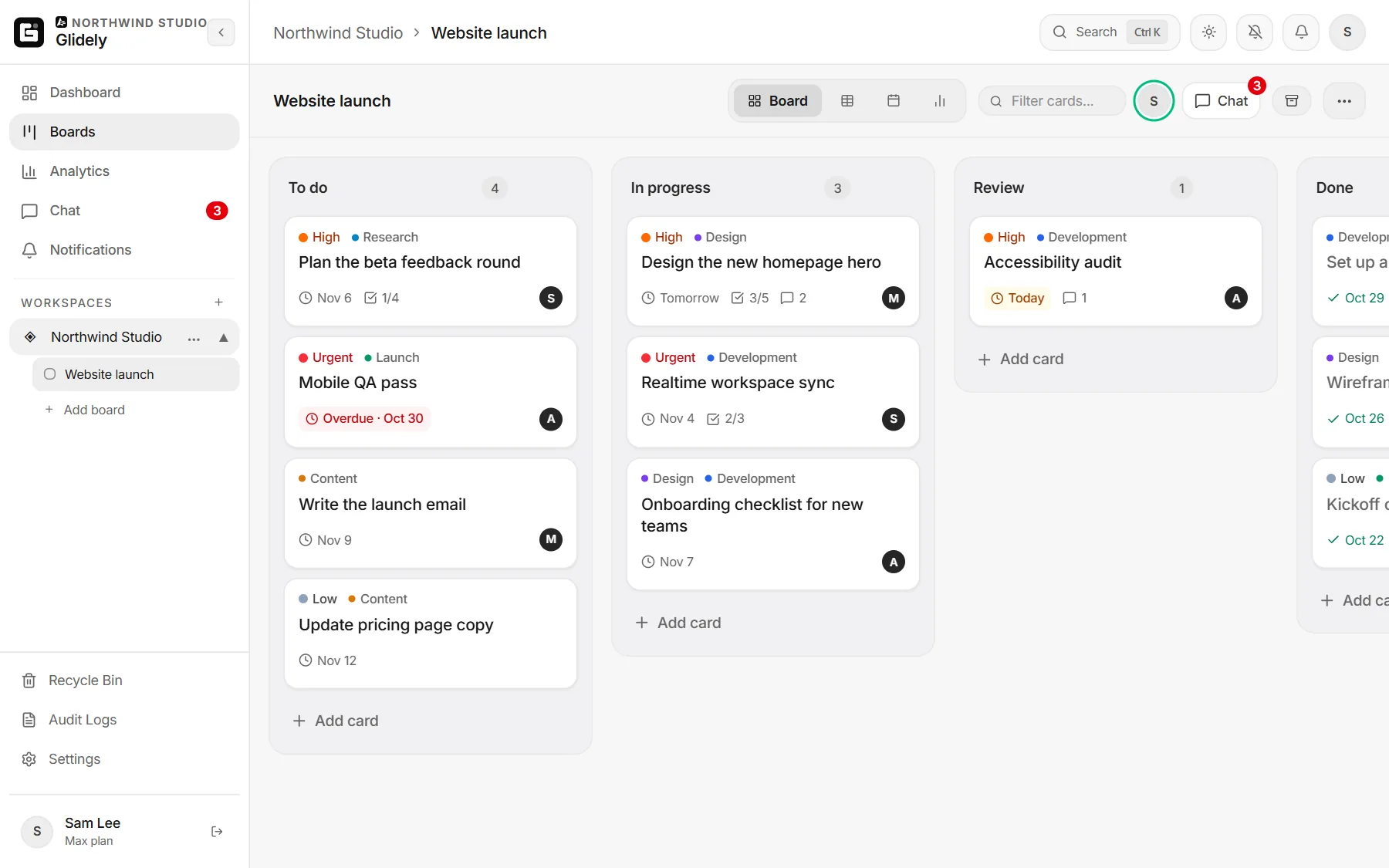
How to read these examples
Each example lists the columns from left to right, what a card stands for and a tip that makes the board work. Every board fits within five lists, so each one works on Glidely’s Free plan.
1. Content calendar
- Columns: Ideas, Writing, Editing, Scheduled, Published.
- A card is one piece of content: a post, an article or a video.
- Tip: give each card its publish date, so the board’s calendar view becomes your content calendar.
2. Sprint board
- Columns: Sprint backlog, In progress, Code review, Testing, Done.
- A card is one piece of work the team committed to for the sprint.
- Tip: put a card limit on Code review, so work does not pile up waiting for a reviewer. See WIP limits.
3. Bug tracker
- Columns: Reported, Confirmed, Fixing, Testing, Fixed.
- A card is one bug, with the steps to reproduce it in the description.
- Tip: use priority (Urgent, High, Medium, Low) so the worst bugs rise to the top, and attach a screenshot to each card.
4. Hiring pipeline
- Columns: Applied, Screening, Interview, Offer, Hired.
- A card is one candidate, with their CV attached and interview notes in the comments.
- Tip: on Pro or Max, make the board private so only the hiring team sees it.
5. Personal board
- Columns: Today, This week, Later, Done.
- A card is anything on your plate.
- Tip: each morning, move only what you will really finish into Today. Read kanban board vs to-do list for when a board beats a list.
How to start from a template in Glidely
Create a board and pick one of the templates (Project tracker, Sprint board, Content calendar, Bug tracker, Personal to-dos or Hiring pipeline). Rename any list or add your own, then invite your team. See every template on the board templates page, or start with a free kanban board.
Frequently asked questions
What columns should a kanban board have?
At least three: To do, In progress and Done. Add a column for every step where work waits for something, like review or testing.
How many columns is too many?
If cards sit in a column without anyone acting on them, that column may not be a real step. Most teams do well with four to six.
Can one board have more than one view?
Yes. In Glidely every board can switch between a board, a table, a calendar and a timeline.
Can I change a template after starting from it?
Yes. A template only sets up the first lists and cards; everything can be renamed, moved or removed.
Boards, team chat and a calendar in one calm workspace. Free plan, no credit card.
Every example here is a template on Glidely’s Free plan, with no time limit and no credit card.
If you have any questions about this page, email us at support@glidely.site.