A Kanban MCP Server for Claude Code, Cursor and VS Code
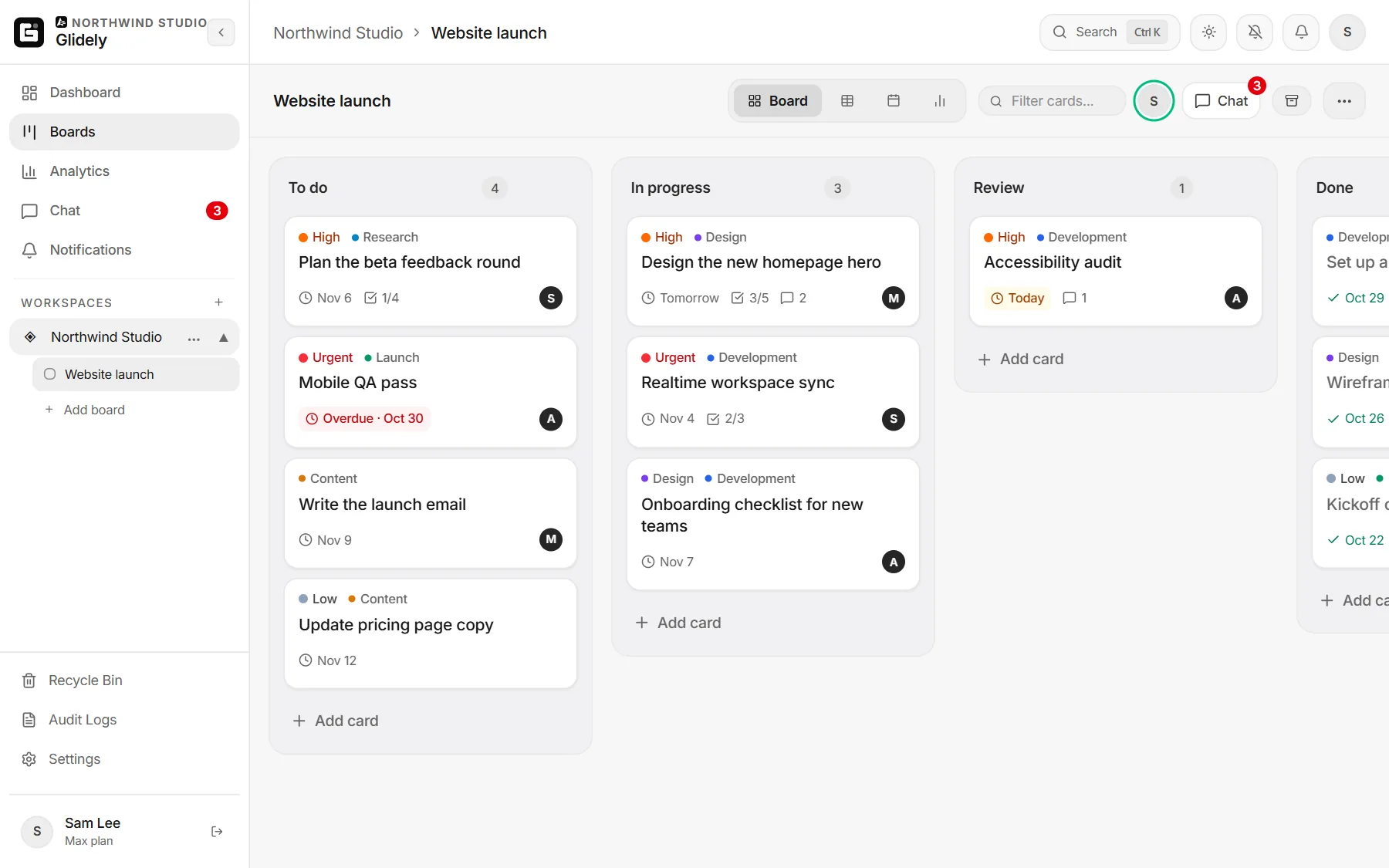
Glidely runs a hosted kanban MCP server that AI agents can use as their task board: 21 tools for boards, lists, cards, checklists, comments and team chat, OAuth sign-in and nothing to install. People see every change live on the board.
In short
- Reading time: About 6 minutes
- Server: Remote HTTP: https://glidely-api.glidely.workers.dev/mcp
- Sign-in: OAuth with PKCE and automatic client registration; no API keys
- Price: Free on every Glidely plan
The short answer
Point your MCP client at https://glidely-api.glidely.workers.dev/mcp as a remote HTTP server. The client registers itself, you sign in to Glidely in the browser and choose what the agent may do. After that the agent has 21 tools for a real kanban board that your team uses too.
Why give an agent a kanban board
- People can see what the agent is doing, card by card, without reading logs.
- The board is the hand-off: the agent picks from Ready, a person checks the work in Review.
- Work outlives the session: the next run, or another agent, picks up where the last one stopped.
- Every change is signed “your name via” the app in the board’s activity, so it is clear who did what.
The tools
- Read: list_workspaces, get_board, search, fetch, get_stats, get_activity, list_channels, read_messages, view_image.
- Write: create_board, update_board, create_list, update_list, create_card, create_cards (up to 15 in one call), update_card, move_card (to another list or board), add_comment, update_checklist, archive_card, send_message.
- Prompts: daily_standup, plan_project, weekly_recap, tidy_board.
There is no delete tool. Cards can be archived and restored.
Claude Code
claude mcp add --transport http glidely https://glidely-api.glidely.workers.dev/mcpRun /mcp inside Claude Code and sign in. Add --scope user to have it in every project, or --scope project to share it with your team through the project’s .mcp.json file. Step by step: kanban board for Claude.
Cursor
Add Glidely to ~/.cursor/mcp.json for every project, or to .cursor/mcp.json for one:
{
  "mcpServers": {
    "glidely": { "url": "https://glidely-api.glidely.workers.dev/mcp" }
  }
}
Open Cursor’s MCP settings and sign in to Glidely when it asks.
VS Code
Add it to .vscode/mcp.json in your project, or run MCP: Add Server from the Command Palette and choose HTTP:
{
  "servers": {
    "glidely": { "type": "http", "url": "https://glidely-api.glidely.workers.dev/mcp" }
  }
}
Start the server and VS Code opens the Glidely sign-in. Then use it from Copilot Chat in agent mode.
Gemini CLI
Add it to ~/.gemini/settings.json:
{
  "mcpServers": {
    "glidely": { "httpUrl": "https://glidely-api.glidely.workers.dev/mcp" }
  }
}
Then run /mcp auth glidely in Gemini CLI to sign in.
A board setup that works for agents
- Make a board with the lists Backlog, Ready, In progress, Review and Done.
- Put a card limit of 1 or 2 on In progress, so an agent finishes before it starts more. See WIP limits.
- Write each card as a task an agent can finish: what to change, where, and how to check it.
- Give the agent its rules in its instructions file (CLAUDE.md, AGENTS.md or Cursor rules).
- Check the cards in Review and move them to Done yourself.
Rules that work well:
Use the Glidely board "App" as your task list.
Take the top card in Ready and move it to In progress before you start.
When you finish, comment with what you changed and how you tested it, then move the card to Review.
Never move cards to Done and never archive cards.
Access and limits
- The agent acts as the person who signed in, with their role in each workspace; private boards stay private.
- When you allow it, choose read only or read and write, and which workspaces. Disconnect in Glidely’s Settings › Integrations.
- Plan limits apply as in the app: boards, lists, cards and checklist items per plan.
- Text on cards and in chat written by other people reaches the agent as information, not as instructions.
- Nothing is ever deleted.
Frequently asked questions
Do I need an API key?
No. The server uses OAuth: your MCP client registers itself and you sign in to Glidely in the browser. There is no key to copy or rotate.
Do I have to run or install anything?
No. The server is hosted by Glidely, and your client connects to it over HTTPS.
Is it free?
Yes, on every Glidely plan, including Free. Free has 1 board with up to 50 cards; Pro and Max have more boards and cards.
Which MCP clients work?
Any client that supports remote HTTP servers with OAuth, including Claude, Claude Code, ChatGPT, Gemini, Gemini CLI, Cursor, VS Code and Microsoft Copilot Studio.
Can an agent delete my work?
No. There is no delete tool. Agents can archive cards, and archived cards can be restored.
Boards, team chat and a calendar in one calm workspace. Free plan, no credit card.
Claude Code is made by Anthropic, Cursor by Anysphere, VS Code by Microsoft and Gemini CLI by Google. Glidely is not affiliated with them. Config formats change from time to time; if a field name has moved, check your client’s MCP documentation.
If you have any questions about this page, email us at support@glidely.site.