Glidely vs Basecamp: A Basecamp Alternative
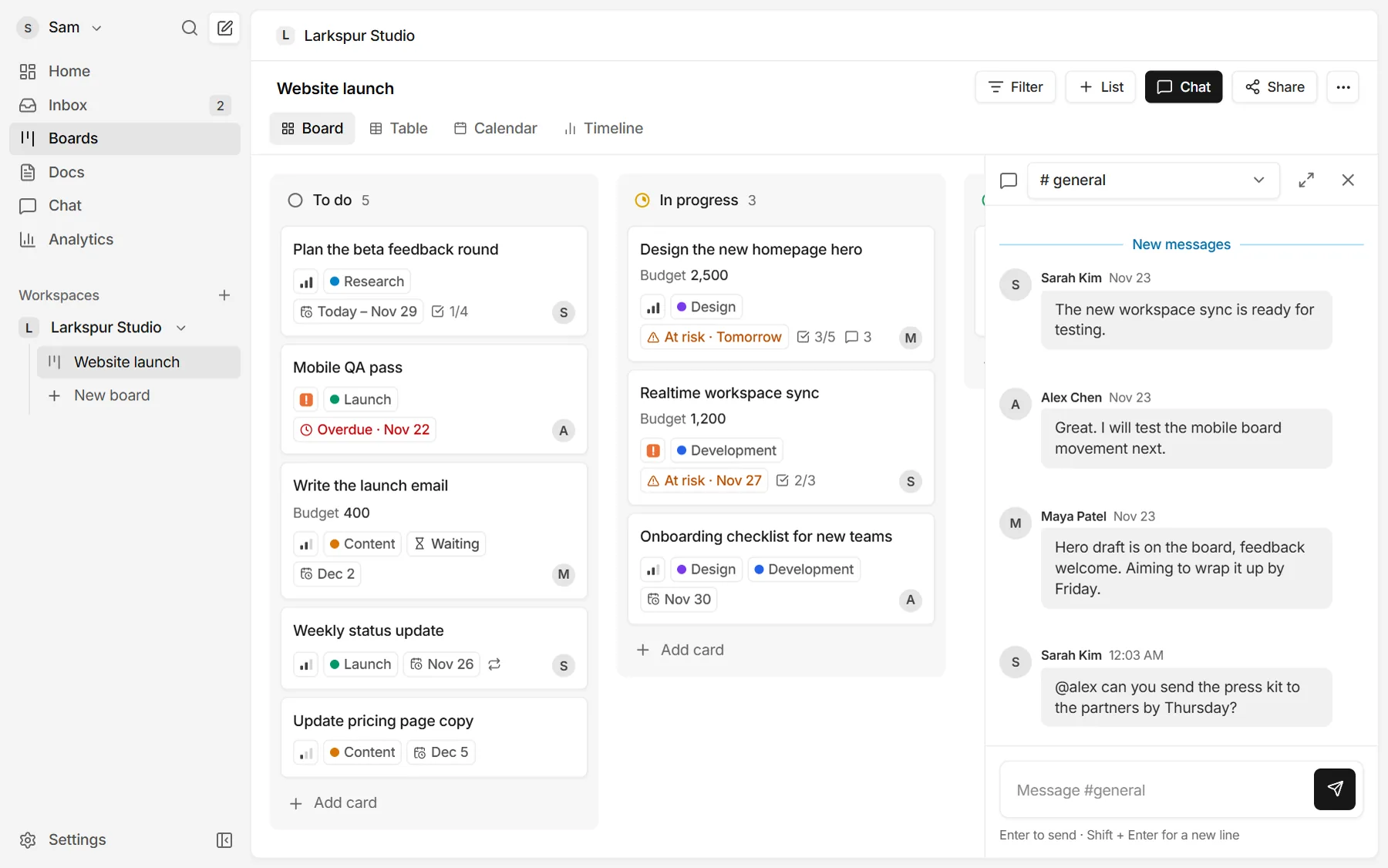
Glidely is a Basecamp alternative for small teams that like a flat price but want a kanban board at the centre of their work: board, table, calendar and timeline views and team chat, starting at $0.
In short
- Price:
- Free plan; Pro $8 a month for up to 15 people
- Built in:
- Kanban boards, team chat, docs and a calendar
- Views on Free:
- Board, table, calendar and timeline
Why teams look for a Basecamp alternative
Basecamp is calm and flat-priced, and it organises work around projects, each with a message board, to-dos, a schedule, chat and Card Tables, its take on kanban. Teams look for an alternative when they want the board to be the centre of the work, more ways to view it, or a lower price for a small team.
The board at the centre
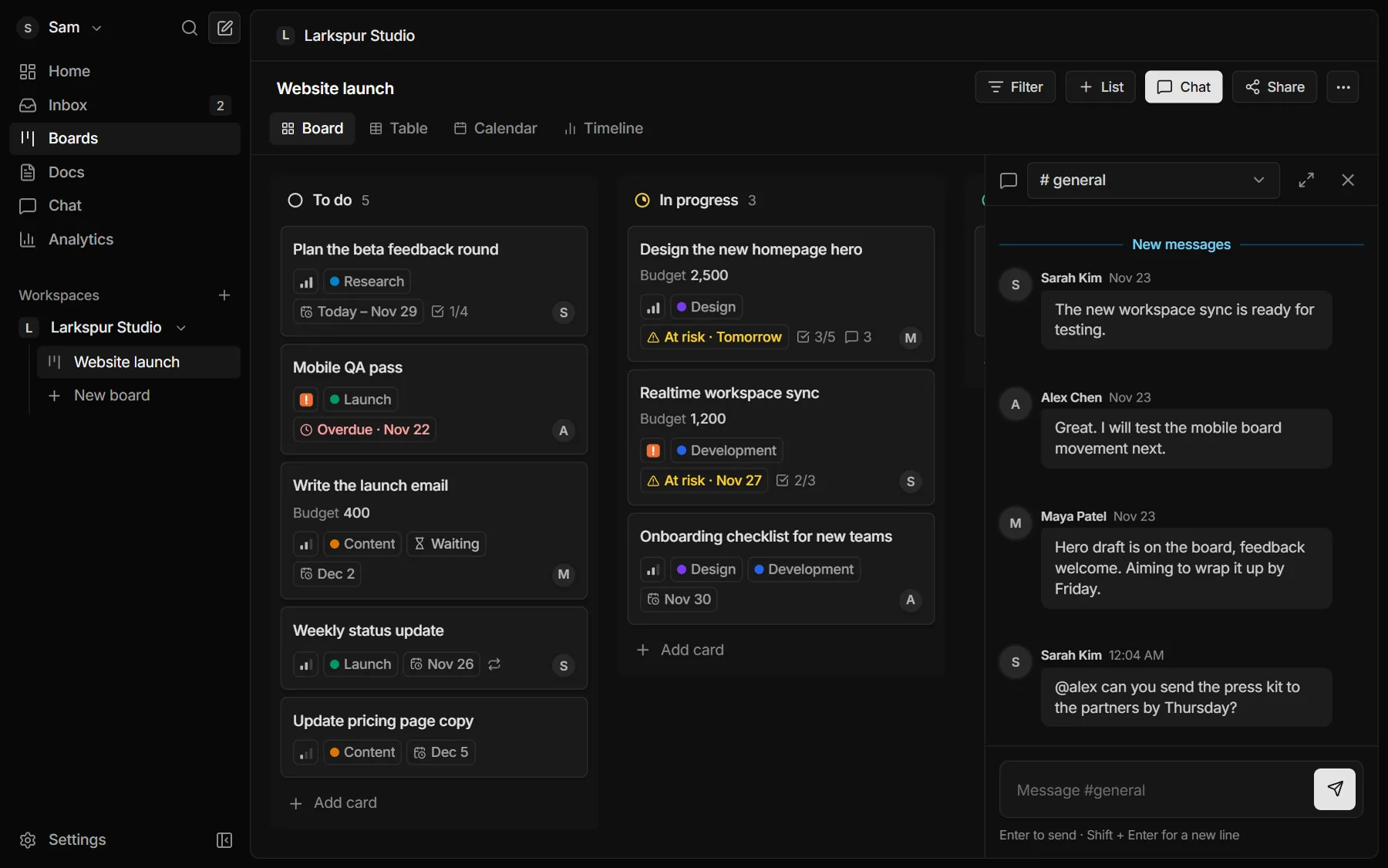
In Glidely the kanban board is where work lives: lists for each stage, cards with an owner, a due date, a checklist, labels and files, and the same cards as a table, a calendar or a timeline. Docs for plans and meeting notes sit next to the boards and can hold live cards.
Both are flat-priced, at different sizes
Basecamp is priced per account, like Glidely. Its Free plan has 1 project, 1 GB and up to 3 users; Freelancer is $29 a month for 3 projects and 5 users; Pro is $79 a month for 8 projects and up to 10 users; Pro Plus is $99 a month for 12 projects and up to 15 users; Pro Unlimited is $199 a month, billed annually, with unlimited projects and users. Glidely Free has 3 boards and up to 5 members; Pro is $8 a month with 3 workspaces of 10 boards each and up to 15 people; Max is $20 a month with no member limit.
Chat on both
Basecamp has Chats and Pings for group chat and direct messages. Glidely has channels, private channels and direct messages that open beside the board, so a question about a card gets answered next to it. See team chat.
Where Basecamp is the better fit
An honest comparison has two sides. Basecamp’s message boards suit teams that write long updates and announcements, every project gets its own room with the same tools, and Pro Unlimited gives 1 TB of storage and unlimited users. If your team works best in projects with written updates, Basecamp may suit you better. If you want a board-first workspace for a small team at $8 a month, try Glidely.
Glidely and Basecamp side by side
| Glidely | Basecamp | |
|---|---|---|
| Kanban board | The centre of every workspace | Card Tables in each project |
| Table, calendar and timeline | Every plan, including Free | Calendar; no table or timeline view listed |
| Team chat | Channels and direct messages beside the board | Chats and Pings |
| Pricing | Flat: $0, $8 or $20 a month | Flat: $0, $29, $79, $99 or $199 a month |
| Free plan | 3 boards, 5 members | 1 project, 3 users, 1 GB |
| Long-form updates | Docs next to the boards | Message boards |
Moving your work over
- Sign up free and pick a template close to your project.
- Copy your open to-dos and paste them into a list’s Add card box: Glidely offers to turn each line into a card.
- Move plans and notes into Docs.
- Invite your team and open chat beside the board.
Frequently asked questions
Is Glidely cheaper than Basecamp?
For small teams, yes. Glidely Pro is $8 a month for up to 15 people per workspace; Basecamp Pro is $79 a month for up to 10 users. Both are flat prices, not per person.
Does Glidely have message boards like Basecamp?
Not as such. Glidely has team chat channels and Docs for longer plans and notes, next to the boards.
Is there a free Basecamp alternative?
Yes. Glidely Free has no time limit and no credit card, with 3 boards, up to 5 members, team chat and every board view.
Try Glidely free
Boards, team chat and a calendar in one calm workspace. Free plan, no credit card.
Basecamp prices and limits are from basecamp.com/pricing in November 2026 and may change. Basecamp is a trademark of its owner; Glidely is not affiliated with Basecamp.
If you have any questions about this page, email us at support@glidely.site.