Personal Kanban: How to Run Your Own Work on a Board
Personal kanban is kanban for one person: put everything you have to do on a board, and limit how much you work on at once. How to set up a personal kanban board, with examples for work, home, study and a job search.
In short
- Reading time:
- About 5 minutes
- Best for:
- Anyone with more to do than fits in their head
- Try it:
- Glidely’s free Personal to-dos and Weekly planner templates
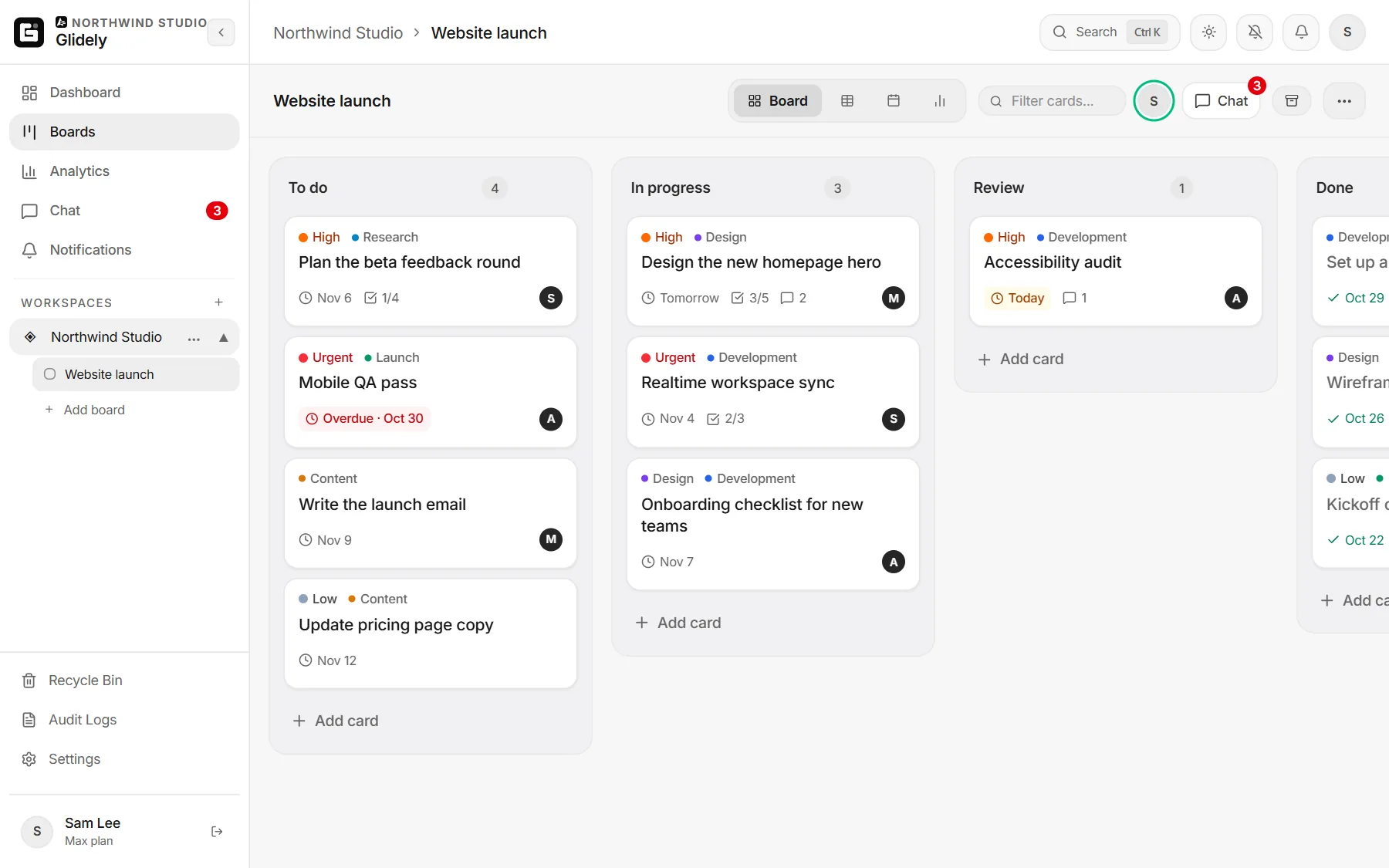
The short answer
Personal kanban is a simple way to manage your own work with a board. It has two rules: make your work visible, and limit your work in progress. The idea was named by Jim Benson and Tonianne DeMaria Barry in their book Personal Kanban.
Why a board beats a list
A to-do list shows what is left. A board also shows what you are doing now, what is waiting and what you have finished. Seeing three half-done things in Doing is a nudge to finish one before starting a fourth. Read kanban board vs to-do list for more.
A simple setup
- Backlog: everything you might do.
- This week: what you plan to do this week.
- Today: what you will do today.
- Doing: what you are working on now, with a limit, such as three.
- Done: finished, so you can see what you got through.
Start with fewer columns if this feels like a lot: To do, Doing and Done work fine.
Examples
- Work: Backlog, This week, Doing, Waiting on others, Done.
- Home and chores: To do, This weekend, Doing, Done, with repeating cards for weekly jobs.
- Study: one card per assignment with its due date; see the assignment tracker.
- Job search: Wishlist, Applied, Interview, Offer; see the job application tracker.
A daily and weekly routine
- Each morning, pick what goes into Today and pull one card into Doing.
- Finish before you start: move a card to Done before pulling the next.
- Once a week, clear Done, tidy the Backlog and choose what goes into This week.
- If Doing keeps going over its limit, you have too much on: say no to something, or split the work.
Tips that make it work
- Write cards as actions: “Call the bank about the card”, not “Bank”.
- Give cards with real deadlines a due date, and leave the rest without one.
- Keep personal and team work on separate boards.
- Keep the board where you will see it: on your phone and on your computer.
Personal kanban in Glidely
Start from the Personal to-dos template or the Weekly planner. Type a card the way you say it, like “pay rent on the 1st !high”, and the date and priority fill themselves in; “every monday” makes it repeat. Give Doing a card limit. On Android, Home shows what is due today, and a widget and a Quick Settings tile add a card in a tap. It is free, with no time limit.
Frequently asked questions
What are the rules of personal kanban?
Two: make your work visible on a board, and limit how much work you have in progress at once.
How many columns should a personal kanban board have?
Three is enough to start: To do, Doing and Done. Add columns such as Today or Waiting only when you need them.
Is there a free personal kanban app?
Yes. Glidely is free on the web, Windows and Android, with ready-made personal templates, repeating cards and reminders.
What is a good WIP limit for one person?
Many people start with two or three cards in Doing. If you keep breaking the limit, lower the work coming in rather than raising the limit.
Try Glidely free
Boards, team chat and a calendar in one calm workspace. Free plan, no credit card.
Ready to try it? Glidely’s Free plan works for one person or a small team, with no time limit and no credit card.
If you have any questions about this page, email us at support@glidely.site.