Glidely vs Jira: A Jira Alternative for Small Teams
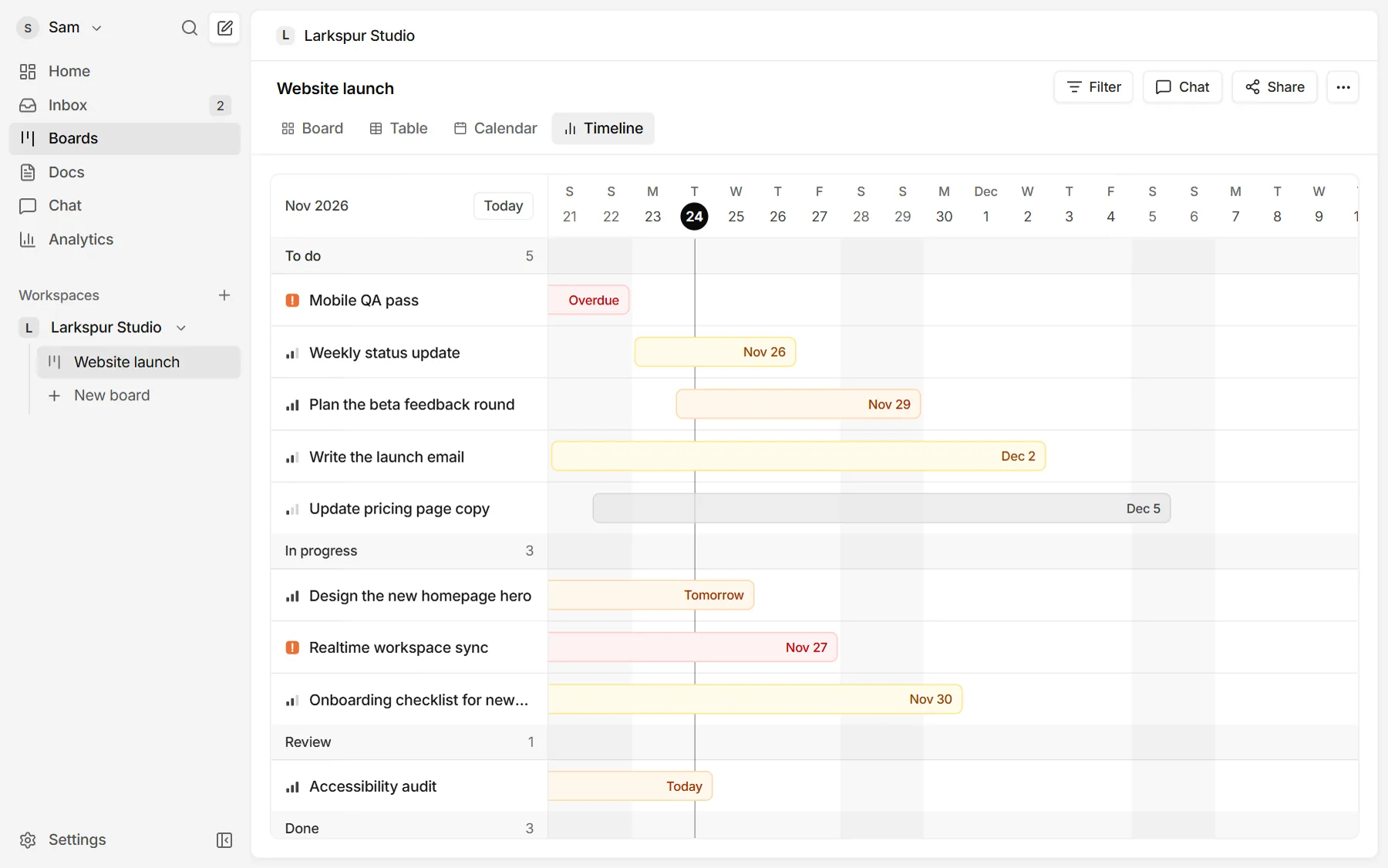
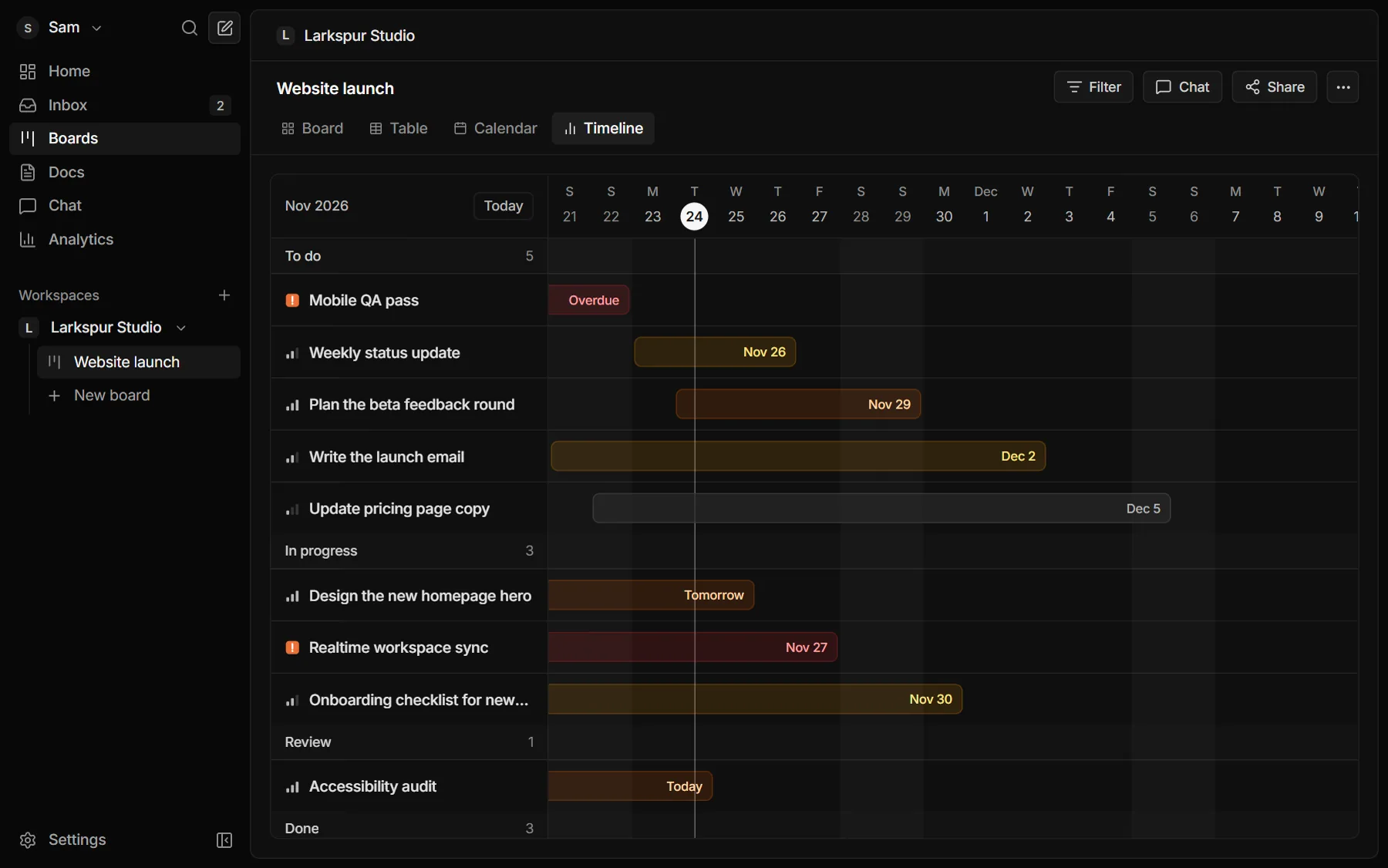
Glidely is a Jira alternative for small teams that are not all developers: a kanban board, team chat and a calendar that anyone can pick up on day one, with one flat price for the account instead of a price per person.
In short
- Price:
- Free plan; Pro $8 a month for up to 15 people, not per person
- Built in:
- Kanban boards, team chat with channels, and a calendar
- Best for:
- Mixed teams: design, marketing, operations, clients and developers
Why small teams look for a Jira alternative
Jira is built for software teams: backlogs, sprints, custom workflows, permissions and reports that scale to very large organisations. Teams that mix design, marketing, operations and client work often find it heavier than they need, and the conversation about the work still happens in another app.
Simple enough for the whole team
Everyone can use a Glidely board on day one: lists for each stage, cards that move across them, an owner and a due date on each card. Developers still get what they need: the Sprint board template with Code review and Testing lists, story-point estimates on cards, card limits on busy lists, and GitHub, GitLab or Bitbucket finishing cards when a pull request is merged.
Team chat beside the board
Glidely has team chat in every workspace: channels, private channels and direct messages, opened beside the board, plus comments on each card. Jira’s pricing page lists no team chat channels or direct messages; conversations happen in comments on work items, and many teams add Slack or Microsoft Teams.
Pricing: who pays what
Jira Free covers up to 10 users with 2 GB of storage, and its board, timeline and calendar views. Above 10 people you pay per user: its pricing page lists Standard at $8.48 and Premium at $15.56 per user per month. Glidely is priced per account: Pro is $8 a month for up to 15 people per workspace, and Max is $20 a month with no member limit. A team of up to 10 can use Jira Free (Glidely Free has up to 5 members); a team of 15 pays about $127 a month on Jira Standard and $8 on Glidely Pro.
Where Jira is the better fit
An honest comparison has two sides. Jira Free has unlimited projects and work items, a backlog view, 150 automation steps a month and apps for iOS and Android. Its paid plans add user roles, advanced planning across teams, dependency management, approvals and a large library of apps and integrations, for up to 100,000 users. If you are a software team running scrum with backlogs, releases and reports, Jira may suit you better.
Glidely and Jira side by side
| Glidely | Jira | |
|---|---|---|
| Kanban board | Yes | Yes |
| Timeline and calendar | Every plan, including Free | Every plan, including Free |
| Backlog and sprints | Sprint board template and story points | Built for scrum: backlog, sprints, reports |
| Team chat | Channels, private channels and direct messages | Comments on work items |
| Pricing | One flat price per account | Free up to 10 users; then per user ($8.48 Standard) |
| Free plan | 3 boards, 5 members, every view, chat | Unlimited projects, 10 users, 2 GB |
| Learning curve | A board anyone can use on day one | Powerful, with more to set up |
Keep Jira for the developers
Glidely’s Jira connector keeps a board in step with a Jira project, both ways, so developers can stay in Jira while the rest of the team works on a Glidely board. To move for good, export the issues from Jira as CSV and import them into a Glidely board: summary, status, priority, due date and labels come across.
Frequently asked questions
Is there a simpler alternative to Jira for small teams?
Yes. Glidely is a kanban board with team chat and a calendar that a whole team can use without training. It has no backlogs, releases or custom workflows to configure.
Is Glidely free like Jira?
Yes. Glidely Free has no time limit and no credit card, for up to 5 members, with chat and every view. Jira Free allows up to 10 users.
Can I import my Jira issues into Glidely?
Yes. Export the issues from Jira as CSV and import the file from the board menu › Export, import and share. Summary, status, priority, due date and labels come across.
Can Glidely and Jira stay in sync?
Yes. Connect a Glidely board to a Jira project with your own Jira key, and work items and cards stay in step both ways.
Try Glidely free
Boards, team chat and a calendar in one calm workspace. Free plan, no credit card.
Jira prices and limits are from atlassian.com/software/jira/pricing in November 2026 and may change. Jira is a trademark of Atlassian; Glidely is not affiliated with Atlassian.
If you have any questions about this page, email us at support@glidely.site.