A Kanban Board App for Android
Glidely is a free kanban board app for Android phones, tablets and foldables. Swipe through lists, drag cards, see the week on a calendar and talk about the work in team chat, on the same boards you use on the web.
In short
- Get it:
- Free on Google Play
- Works on:
- Phones, tablets and foldables, Android 7 and newer
- Price:
- Free plan with no time limit; Pro from $8 a month per account, not per person
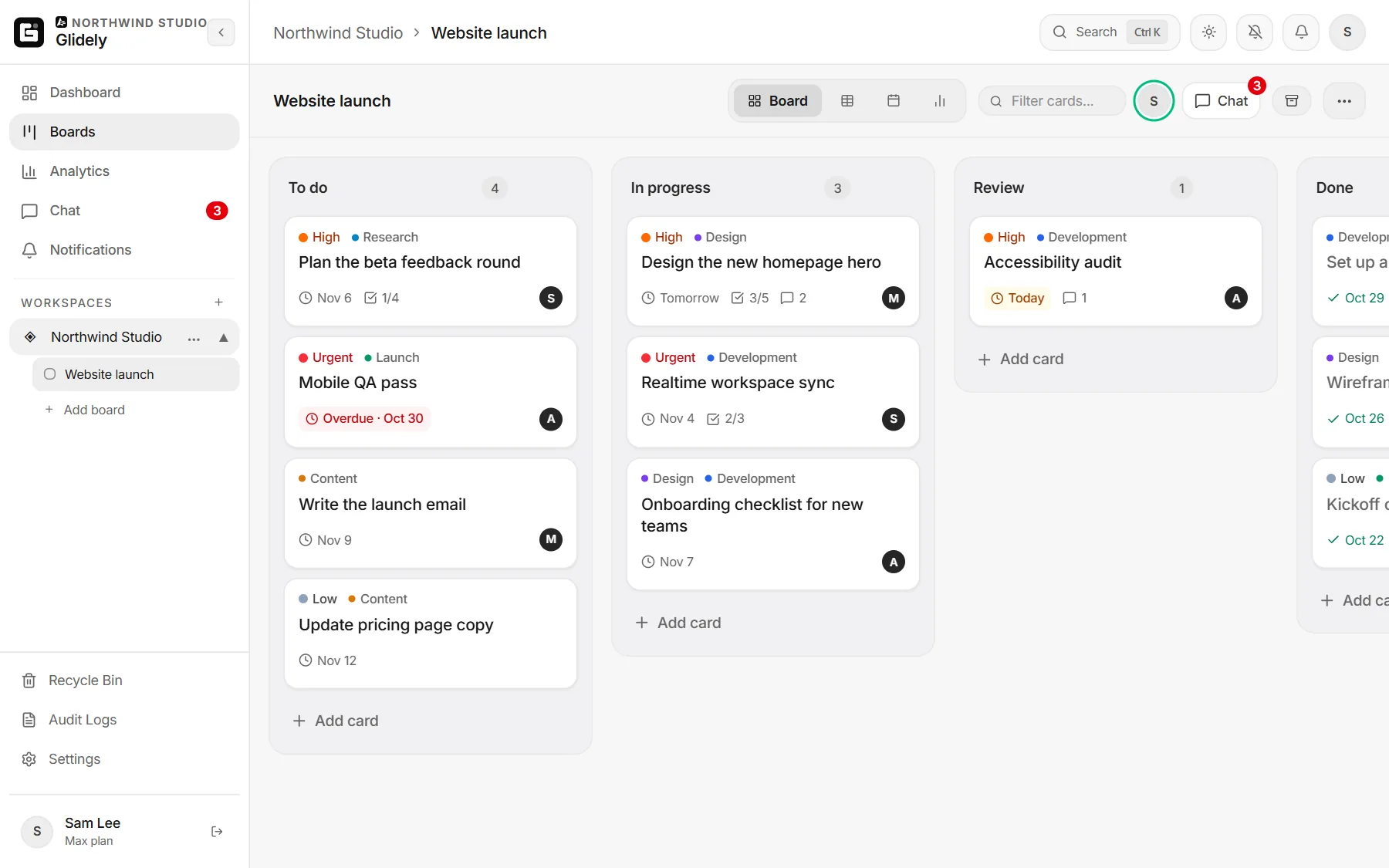
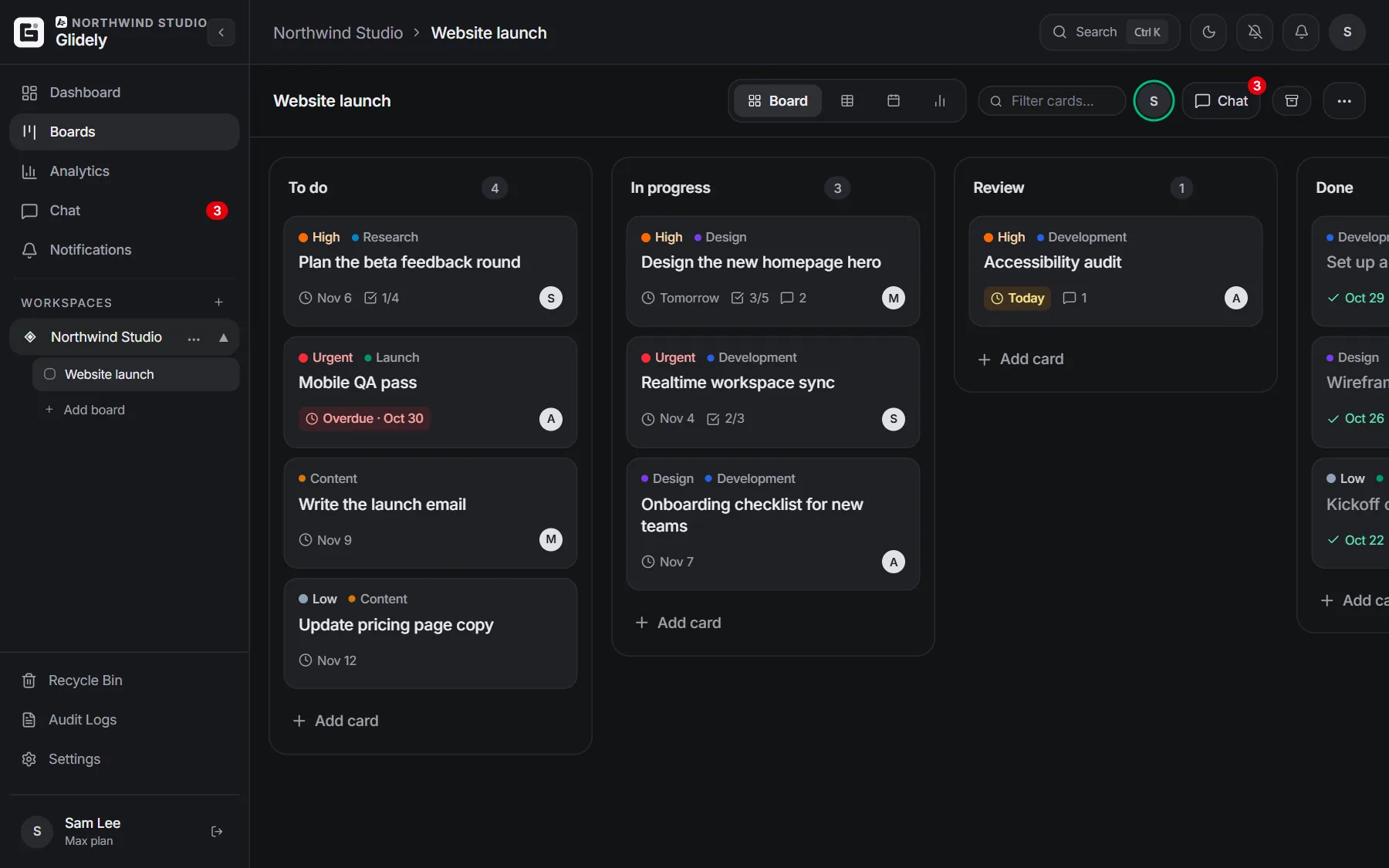
A board made for a phone
Each list is a page you swipe to, and each card a clear row: how pressing it is, where it stands, when it is due and who has it. Press and hold a card to drag it to another list, or tap its ring to finish it. Type a task the way you say it, such as “Send the report fri 3pm !high”, and the date, time and priority fill themselves in. Get the app on Google Play.
Four views of the same work
Switch a board between kanban board, table, calendar and timeline with the bar at the bottom. The table sorts and edits in place, the calendar shows due dates beside meetings and holidays, and the timeline shows what overlaps.
Tablets and foldables
On a tablet or an unfolded phone every list stands side by side, and Home uses two columns, so more of the week fits on one screen.
From your home screen
- Widgets for your home screen
- Hold the Glidely icon for a new card, today, or a board you use
- A New card tile in Quick Settings
- Share something from any app to make a card
- Ask Gemini to open Glidely, add a card or show today
Team chat beside the board
Channels, private messages, voice messages, replies and files, in the same app. Turn a message into a card, or open the chat of a board without leaving it. See team chat.
Reminders that respect your day
Notifications for what concerns you, quiet hours, and a daily briefing with what is due and what is late.
Offline and in step
The boards you opened stay on the phone, so you can look at them without a connection. Everything you change on the web, on Windows or on another phone arrives live.
Connected to over 100 apps
Keep a board in step with the task app you already use, send updates to Slack, Teams, Discord or Google Chat, and put due dates in your calendar. See all the connectors.
Start in two minutes
- Install Glidely from Google Play.
- Sign in with Google, Microsoft, email or a passkey, or look around the demo first.
- Pick a template or start with To do, In progress and Done.
- Invite your team by email, link or username.
Frequently asked questions
Is there a free kanban board app for Android?
Yes. Glidely is free on Google Play, with 3 boards, 100 cards and up to 5 members on the Free plan, which has no time limit.
Does the Android app work on tablets?
Yes. On tablets and unfolded foldables the lists of a board stand side by side.
Does it have widgets?
Yes. There are home-screen widgets, app shortcuts and a New card tile in Quick Settings.
Can I use the same boards on my computer?
Yes. Sign in with the same account at glidely.site or in the Windows app, and every change shows up live.
Can I bring my boards from Trello, Notion, Asana, Jira or Linear?
Yes. Export them there and import the file into Glidely, or connect the app and keep both in step.
Try Glidely free
Boards, team chat and a calendar in one calm workspace. Free plan, no credit card.
Google Play, Android and Gemini are trademarks of Google LLC. Glidely is made by NorthWind Studio.
If you have any questions about this page, email us at support@glidely.site.