Scrum Board vs Kanban Board: What’s the Difference?
A scrum board holds only the work planned for the current sprint and is reset every sprint. A kanban board is never reset: work flows across it continuously, held back by limits on each column. Here is how they differ and which to use.
In short
- Reading time:
- About 6 minutes
- Best for:
- Teams deciding how to set up their board
- Try it:
- Glidely’s free Sprint board and Project tracker templates
The short answer
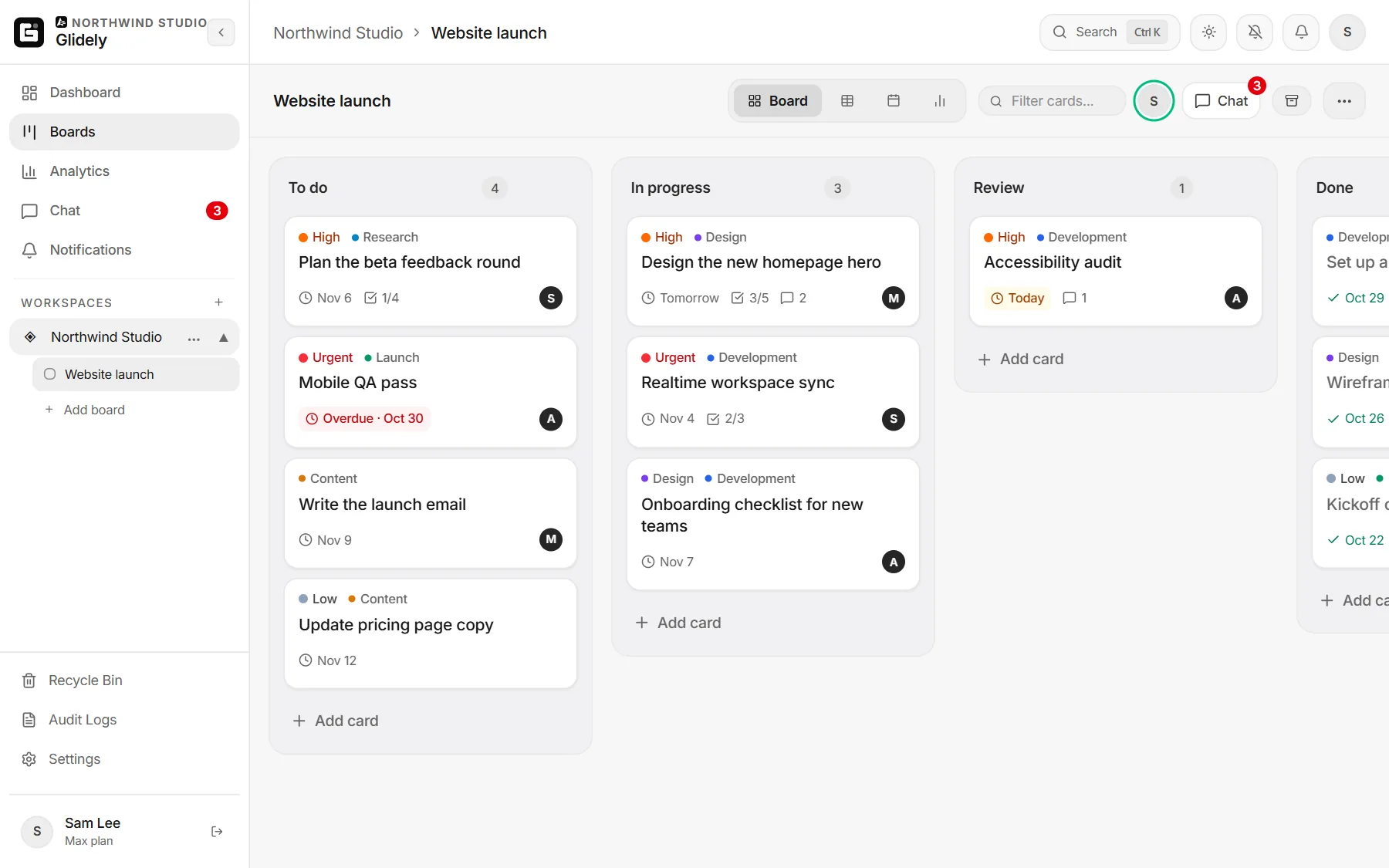
Both boards show work as cards moving through columns. A scrum board holds only the items the team committed to for the current sprint, usually one to four weeks, and starts again empty at the next sprint. A kanban board has no sprints: new work enters at any time, cards flow across continuously, and limits on how many cards each column may hold keep work from piling up.
What a scrum board looks like
- Columns: Sprint backlog (or To do), In progress, Review or Testing, Done.
- Cards: the items chosen at sprint planning, often with a story-point estimate.
- Rhythm: the team updates it daily; at the end of the sprint, finished cards are reviewed and the board is cleared for the next sprint.
- Changes: new work waits for the next sprint unless it is urgent.
- Measure: how much the team finishes per sprint (velocity), often shown on a burndown chart.
What a kanban board looks like
- Columns: Backlog, Ready, In progress, Review, Done, or whatever stages the work really goes through.
- Limits: In progress and Review have a work-in-progress (WIP) limit, such as three cards.
- Rhythm: continuous. When someone finishes a card, they pull the next one from Ready.
- Changes: priorities can change at any time for cards not yet started.
- Measure: how long a card takes from start to done (cycle time) and how many cards finish each week (throughput). See kanban metrics.
Side by side
| Scrum board | Kanban board | |
|---|---|---|
| Time box | A sprint of 1 to 4 weeks | None: continuous flow |
| Reset | Cleared every sprint | Never cleared |
| What limits the work | What fits in the sprint | A WIP limit per column |
| New work | Waits for the next sprint | Can enter any time |
| Roles | Product Owner, Scrum Master, Developers | None required |
| Main measure | Velocity and burndown | Cycle time and throughput |
Which board should you use?
- Use a scrum board when the team plans in fixed blocks, delivers a piece of product at the end of each, and can protect the sprint from interruptions.
- Use a kanban board when work arrives unpredictably, such as support, operations, content or client requests, or when the team finds sprints too rigid.
- Not sure? Start with a kanban board and add a short planning meeting every week or two. That is close to scrumban.
Can one board do both?
Yes. Many teams keep a kanban board but plan in regular cycles and hold a retrospective, and many scrum teams add WIP limits to their sprint board. The board is a tool; the rules you agree around it make it scrum, kanban or a mix. For the methods themselves, read kanban vs scrum.
Setting up either one in Glidely
For a scrum board, start from the Sprint board template: Sprint backlog, In progress, Code review, Testing and Done, with story-point estimates on cards. At the end of the sprint, archive the Done cards. For a kanban board, start from the Project tracker template and give In progress and Review a card limit: Glidely shows the count against the limit and flags the list when it goes over. Run a retrospective on a board of its own.
Frequently asked questions
Is a sprint board the same as a scrum board?
Yes, in practice. Both names describe a board that holds the work for the current sprint and is reset at the start of the next one.
Does a kanban board have sprints?
No. Kanban has no sprints; work flows continuously. Some teams still plan or review on a regular rhythm, which makes it closer to scrumban.
Are story points used on a kanban board?
They can be, but kanban teams usually measure cycle time and throughput instead of estimating each card.
Can I switch from a scrum board to a kanban board?
Yes. Stop clearing the board each sprint, add WIP limits to the busy columns, and let the team pull the next card when they have room.
Try Glidely free
Boards, team chat and a calendar in one calm workspace. Free plan, no credit card.
Ready to try it? Glidely’s Free plan includes kanban boards with card limits and the Sprint board template, with no time limit and no credit card.
If you have any questions about this page, email us at support@glidely.site.